RU

Cloudpayments and amoCRM for accepting payments

Want to accept payment directly from the deal? Connect Cloudpayments to amoCRM

Cloudpayments and amoCRM for accepting payments

You lose revenue when paying is inconvenient

The payment process is often drawn out: managers send links manually, clients get lost, and statuses in CRM are not updated. The result is delays, errors and lost deals.

Payment outside of CRM

Managers send invoices and links to different services. There is no uniform control - it is difficult to understand who paid and who did not

Loss of customers at the payment stage

The client did not receive the link, forgot to pay, or left. You are losing money due to unnecessary steps and a long process

No current data in CRM

Transaction statuses are not updated automatically. Managers manually check payments and waste time

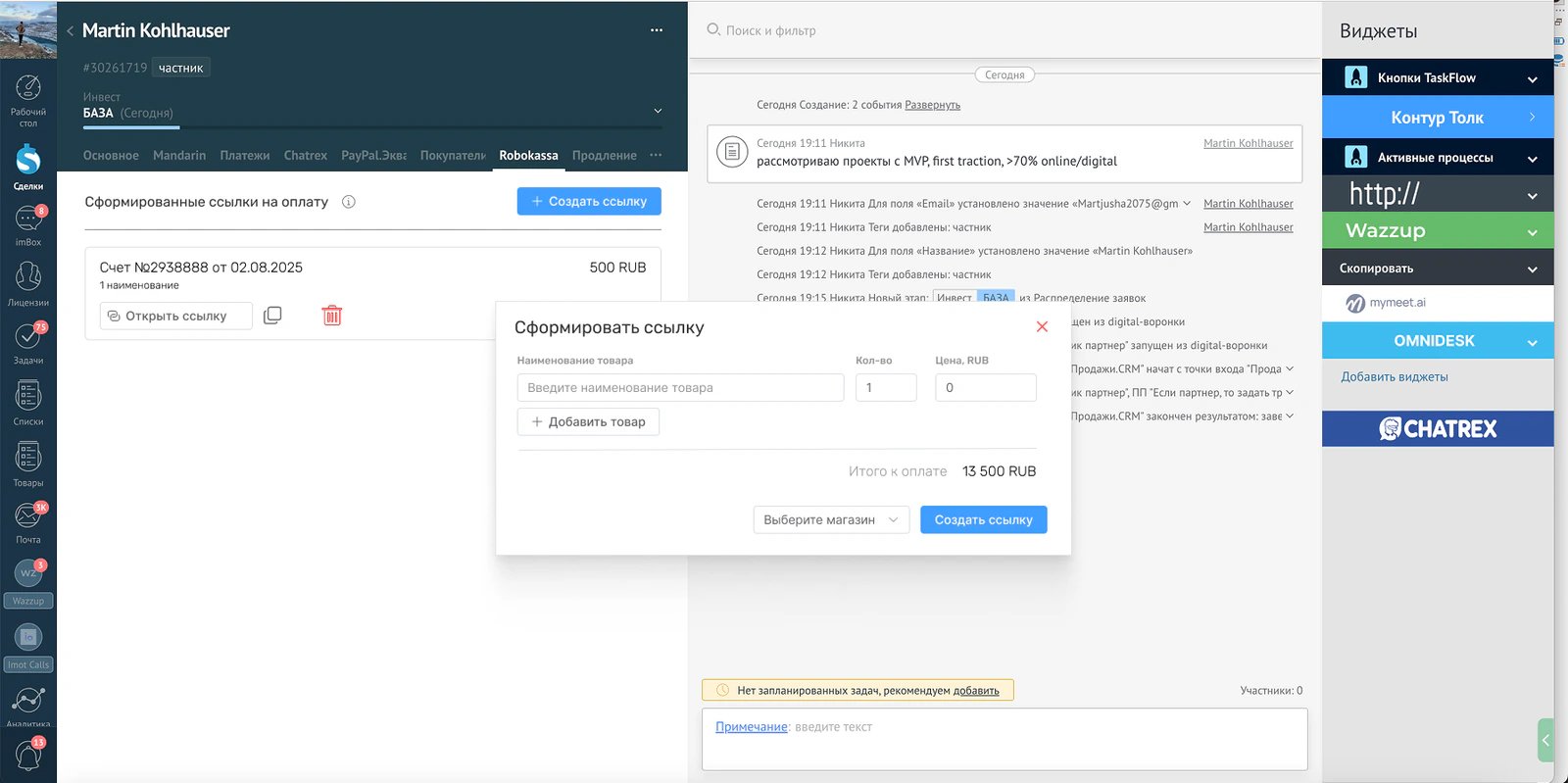
How the widget works

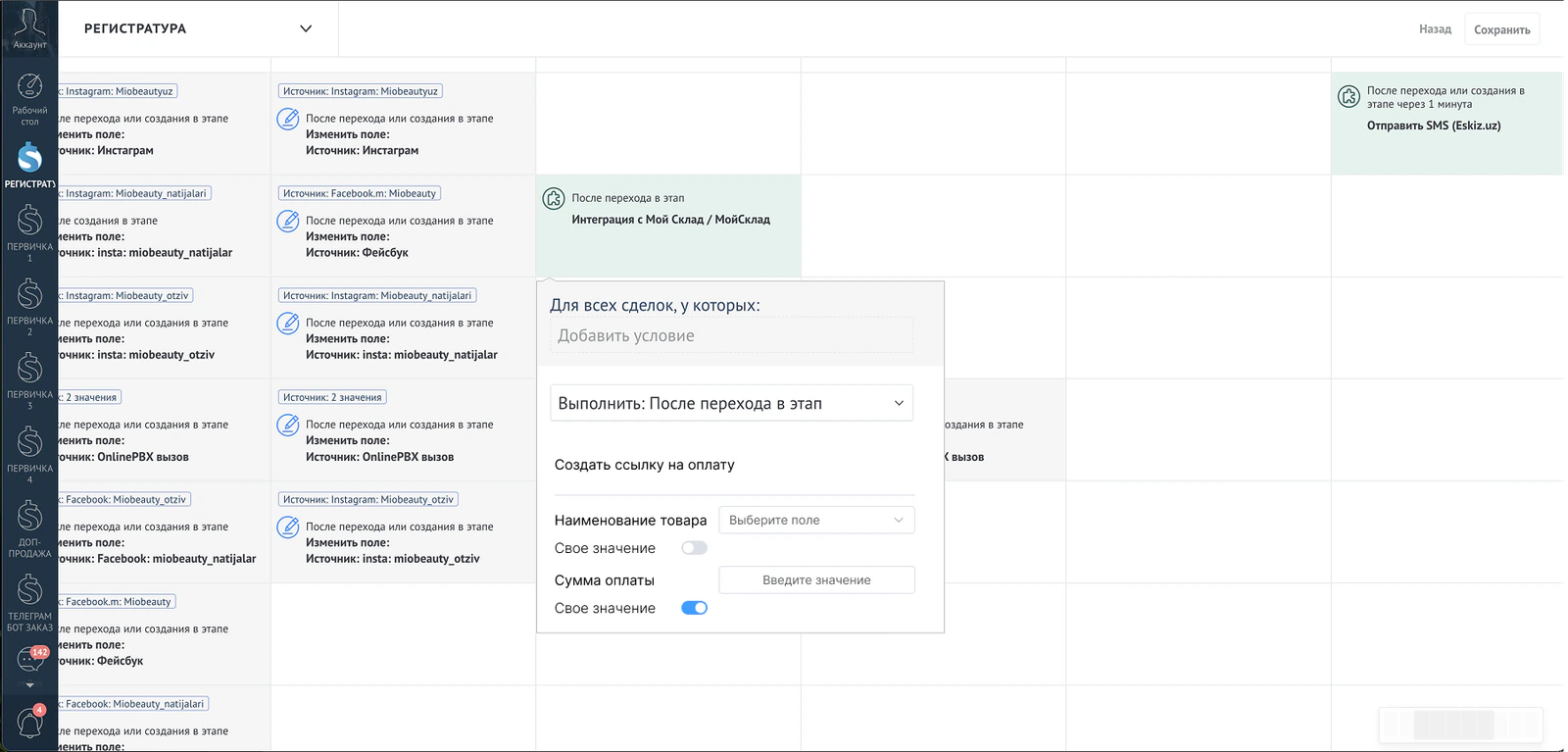
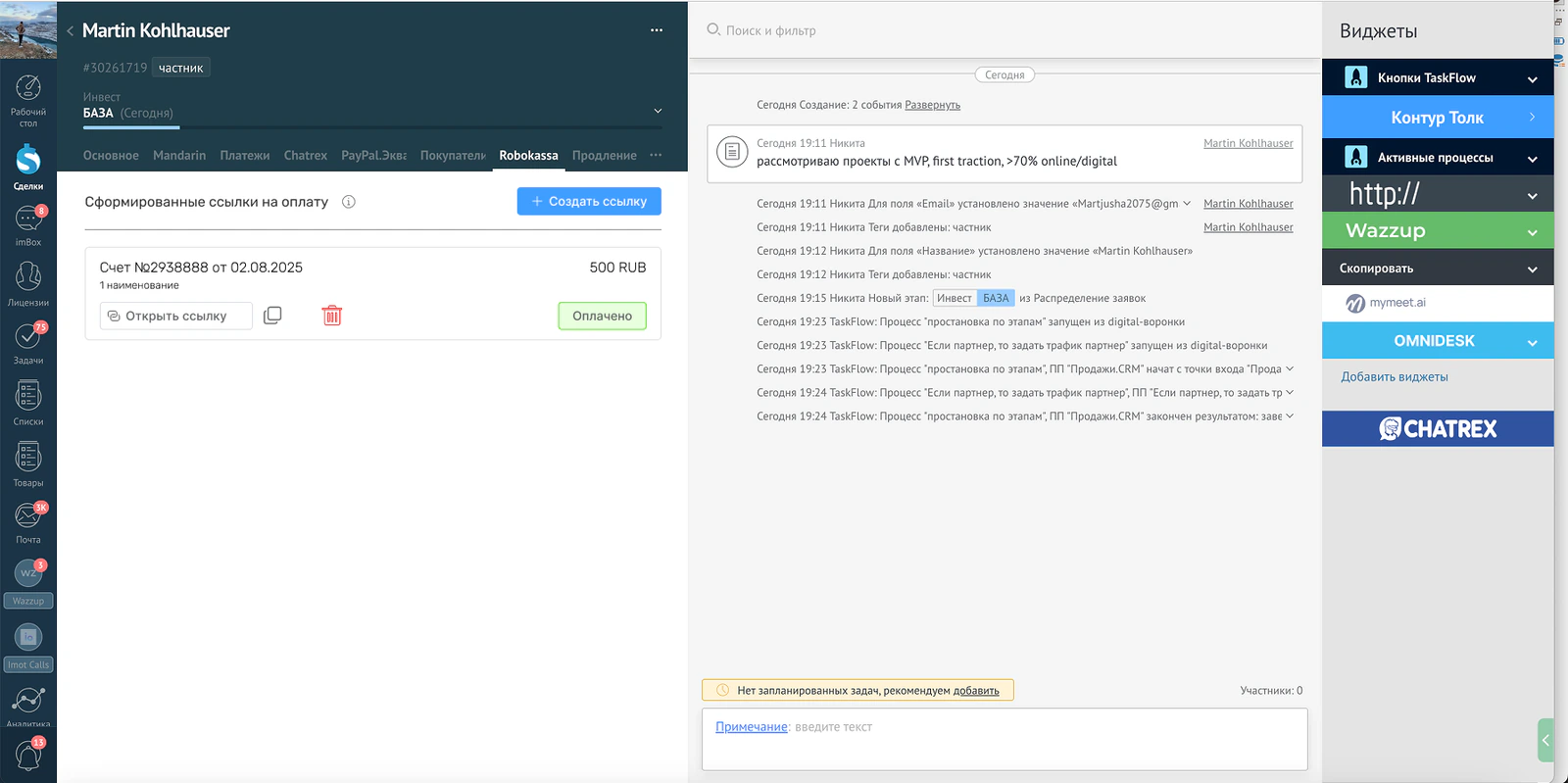
Create a payment link from a deal

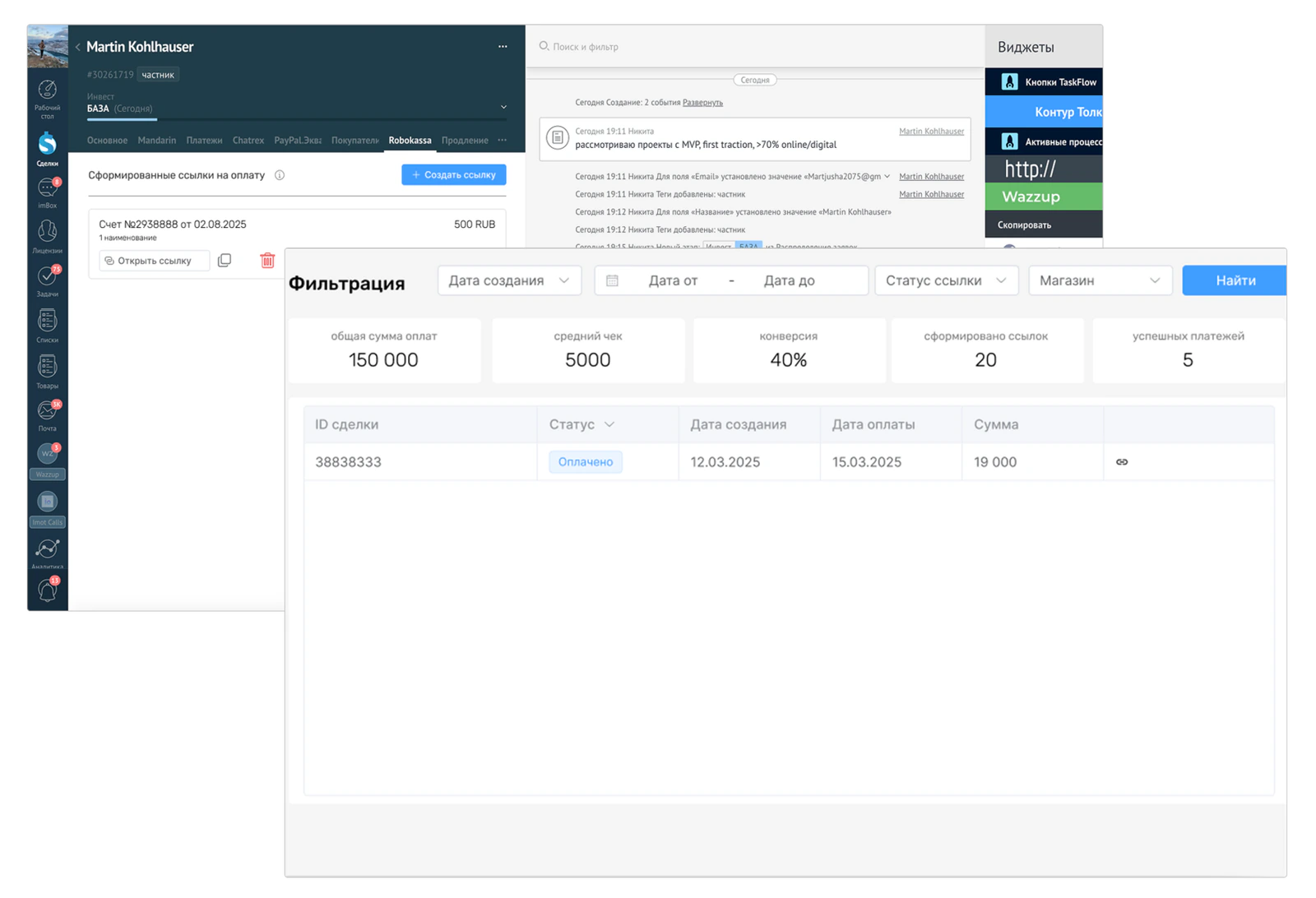
The manager generates a payment link directly in the deal card in amoCRM - without going to third-party services
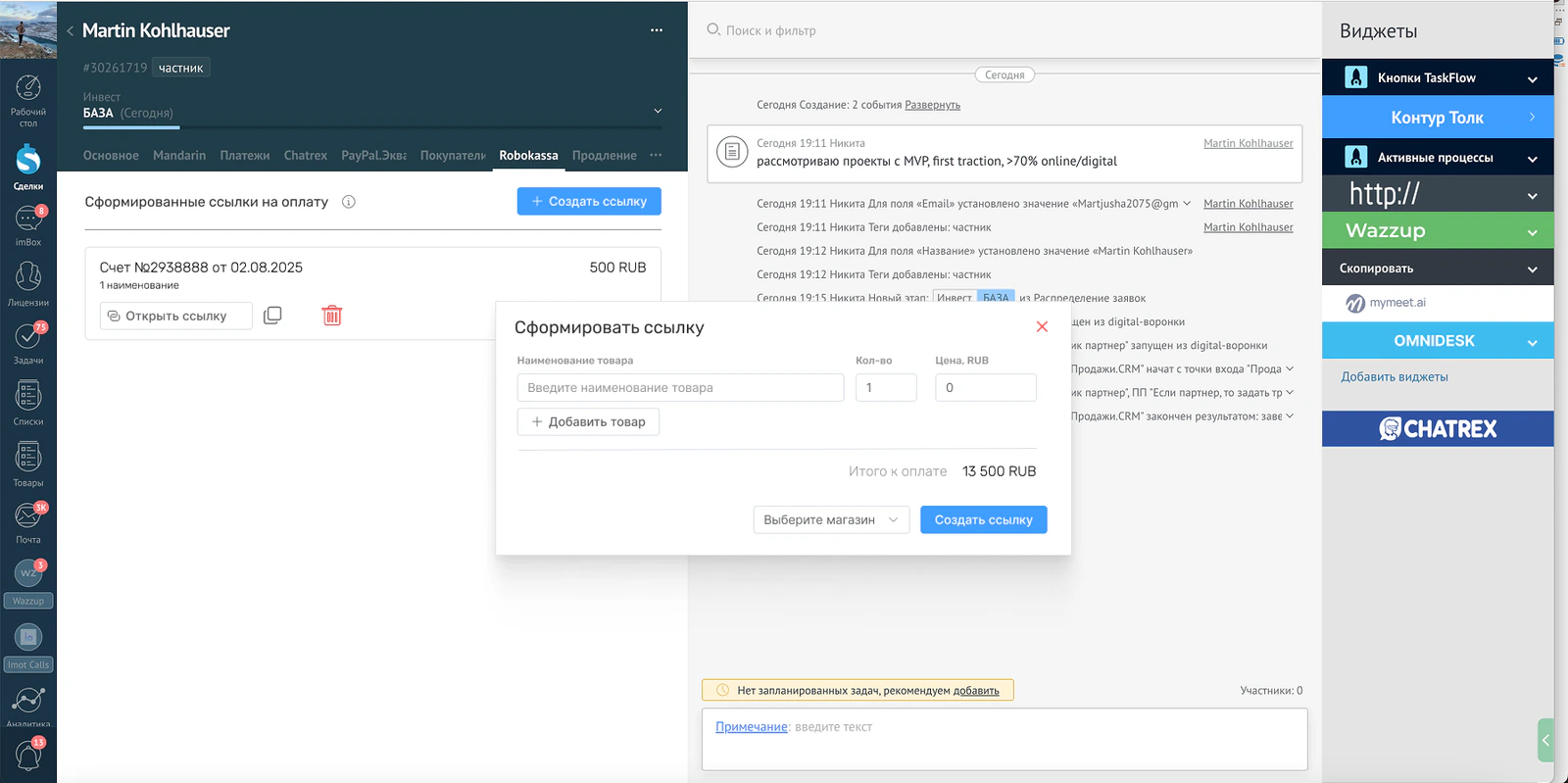
Send to the client in one click

The link is automatically saved in the CRM. It can be immediately sent to the client via instant messengers or email.
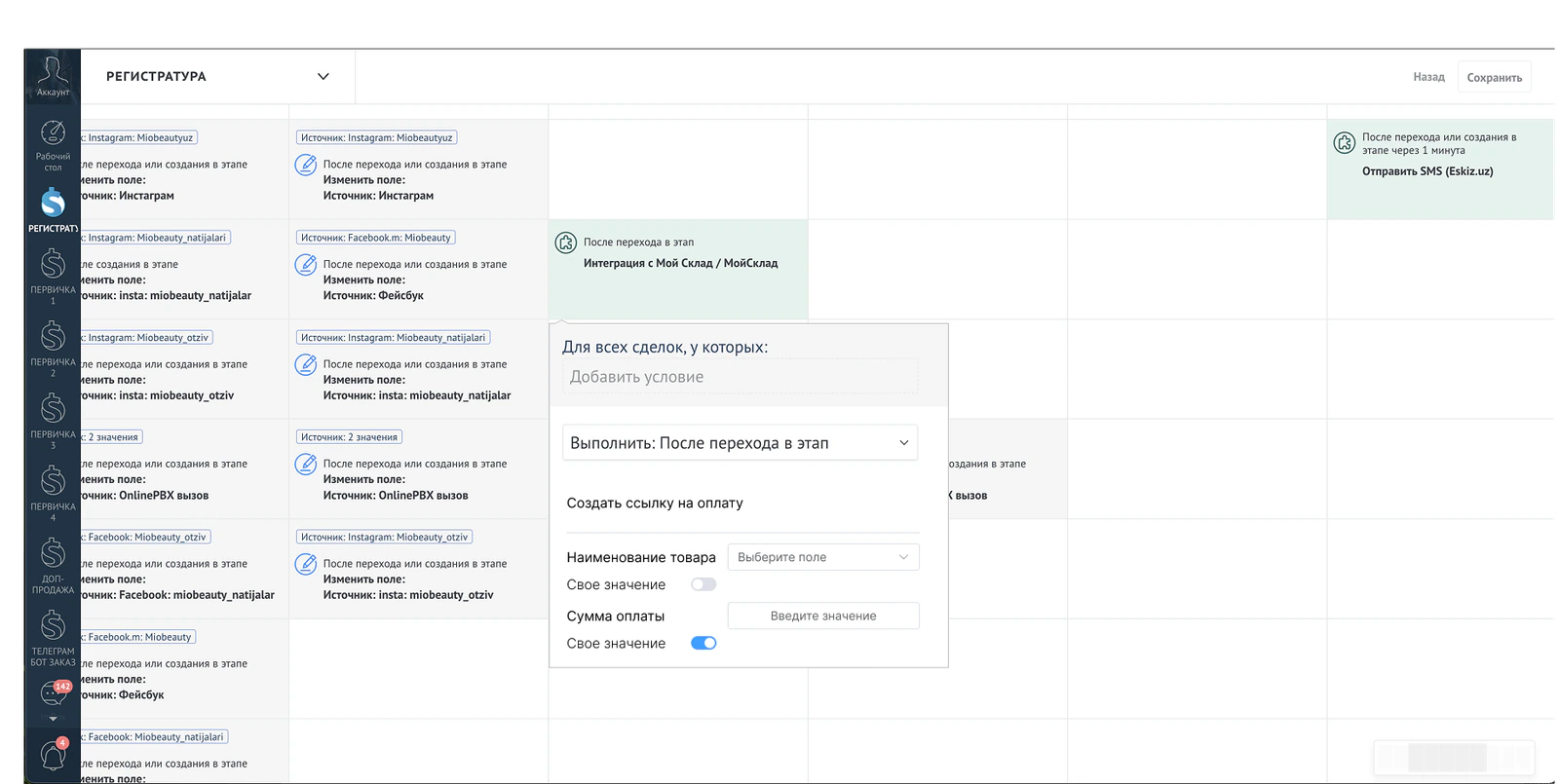
The deal status is updated automatically

After payment, the deal changes stage, the amount is fixed, and the manager does not need to check anything manually
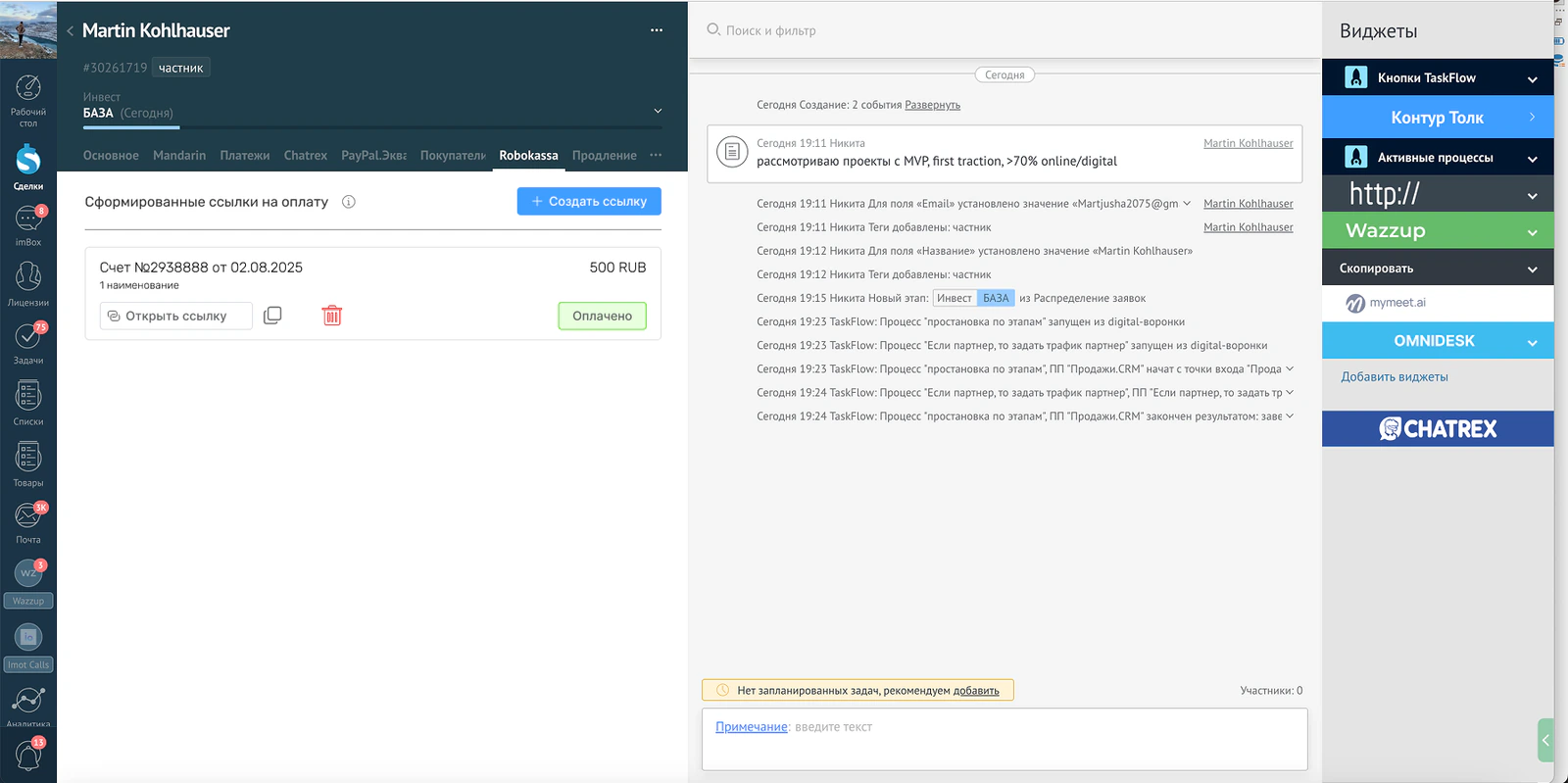
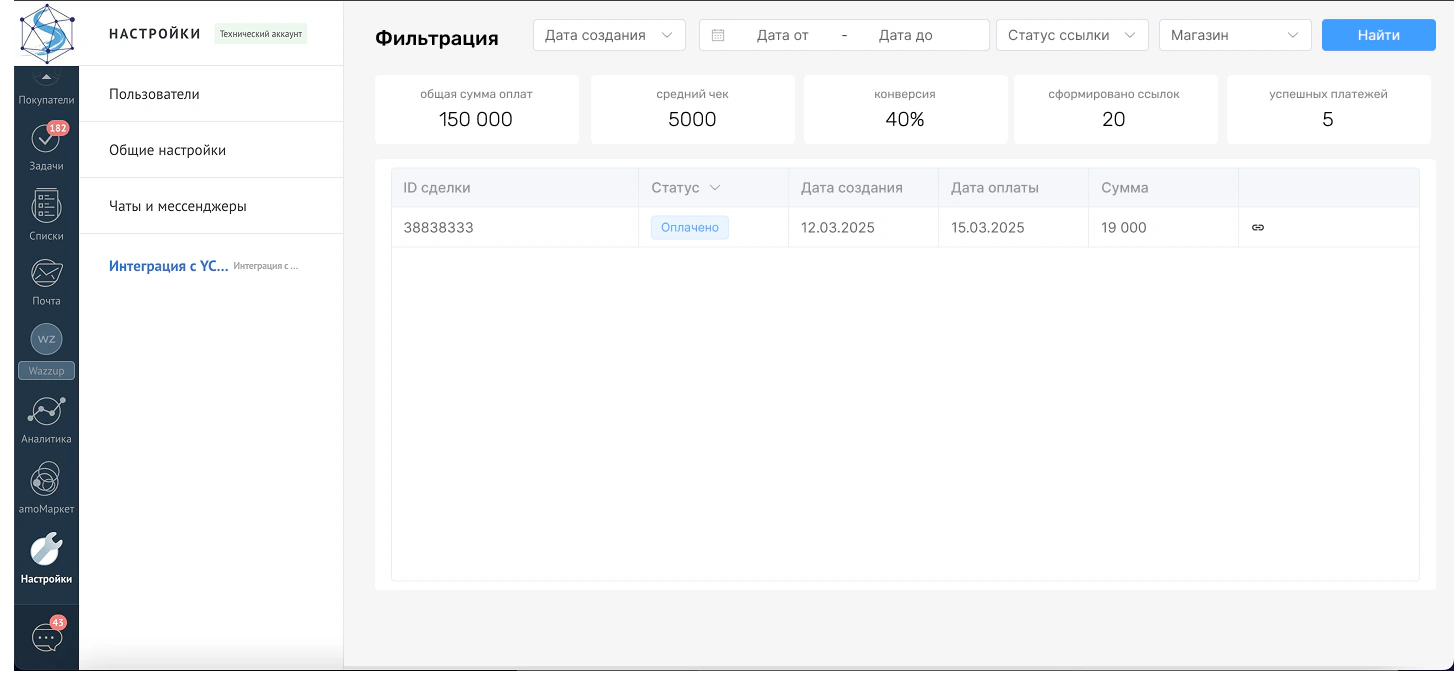
Control payments and conversion

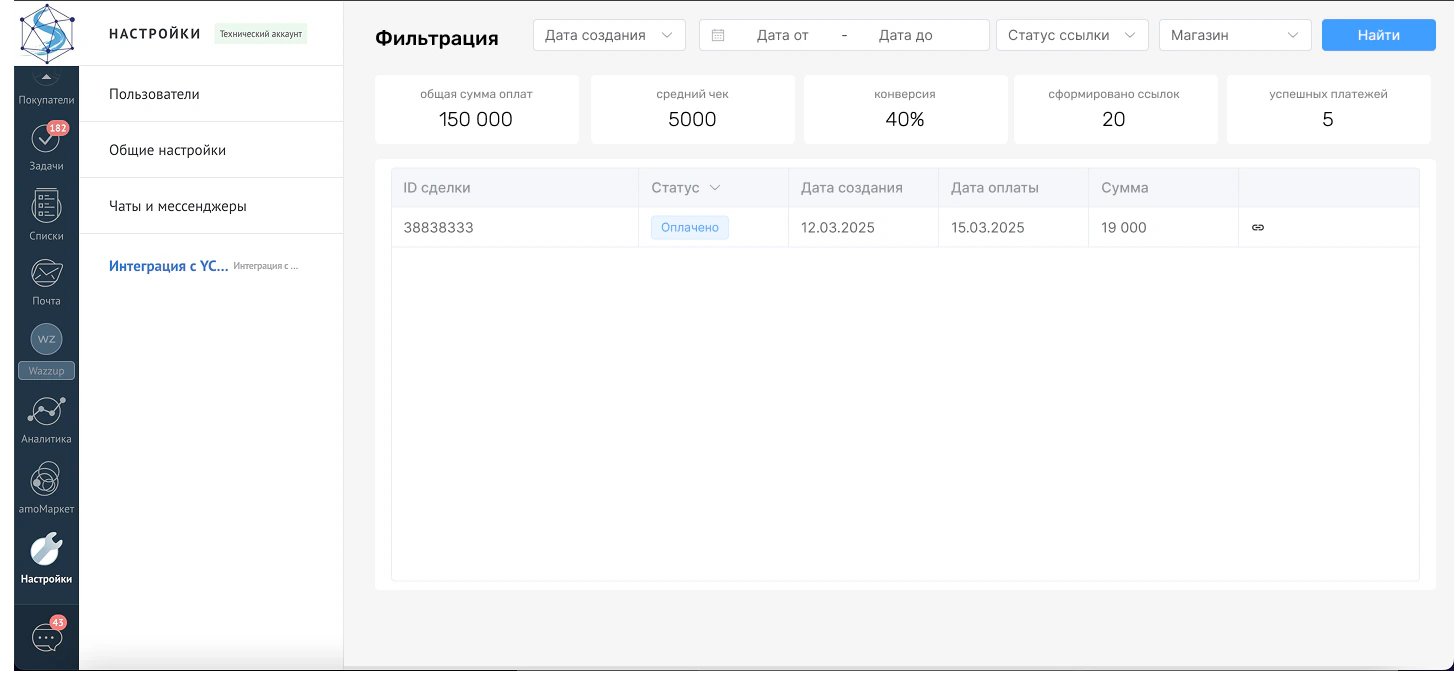
All payments and payment links are recorded in amoCRM. You see how many clients paid, at what stage money is lost and how your payment pipeline works
Pricing plans

Loading current plans…

Loading prices from services.myrubikon.tech

Find out how to use this solution as efficiently as possible

Frequently asked questions

Everything about the widget: when to use it, how to configure it, and what are the nuances?

What does the Cloudpayments integration with amoCRM do?

The integration allows you to accept online payments directly from the deal. The manager creates a link in CRM, sends it to the client, and the payment status is updated automatically

How is a payment link created?

The link is created directly in the deal card in amoCRM. The manager just needs to indicate the amount and select a store - the link will be generated automatically

Do I need to switch to Cloudpayments to work?

No, all work happens inside amoCRM. Managers do not switch between services and save time

What happens to the deal after payment?

After payment, the acquiring company sends a notification to amoCRM. The deal automatically moves to the required stage, and payment data is recorded

Is it possible to accept prepayment?

Yes, you can set up prepayment. The deal will be transferred to a separate stage until full payment is made.

Is it possible to track all payments in CRM?

Yes, all links and payments are saved in amoCRM. You see the status, amount and date of each payment

Is there payment analytics?

Yes, analytics are available in the system: total amount of payments, number of payments, average bill and conversion from link to payment

Is it possible to work with several stores?

Yes, you can connect several accounts and use them within one CRM

Is it difficult to customize the widget?

No, setup takes a few minutes. All you need to do is connect acquiring, configure fields and pipeline stages

Send an enquiry — we will carry out a free audit and show you which package suits your business