RU

Connect Kontur Talk and amoCRM

Meetings take place, but agreements are lost? Create video meetings from a deal and automatically save the recording and summary in amoCRM

Connect Kontur Talk and amoCRM

Where meeting agreements get lost after the call

Calls go through, but key points are not recorded. As a result, some agreements are lost, and work with the client becomes unmanageable

Agreements are lost after the meeting

After the call, only the manager’s memory or notes remain. Some information is forgotten, and the client has to repeat the same thing

No history of communication with the client

Recordings of meetings and discussions are not saved in CRM. The team does not see what was agreed upon and what stage the client is at
The manager does not control the negotiations

It is impossible to check how managers conduct meetings and what they say to clients. Mistakes are repeated, but the quality of sales does not improve

How the widget works

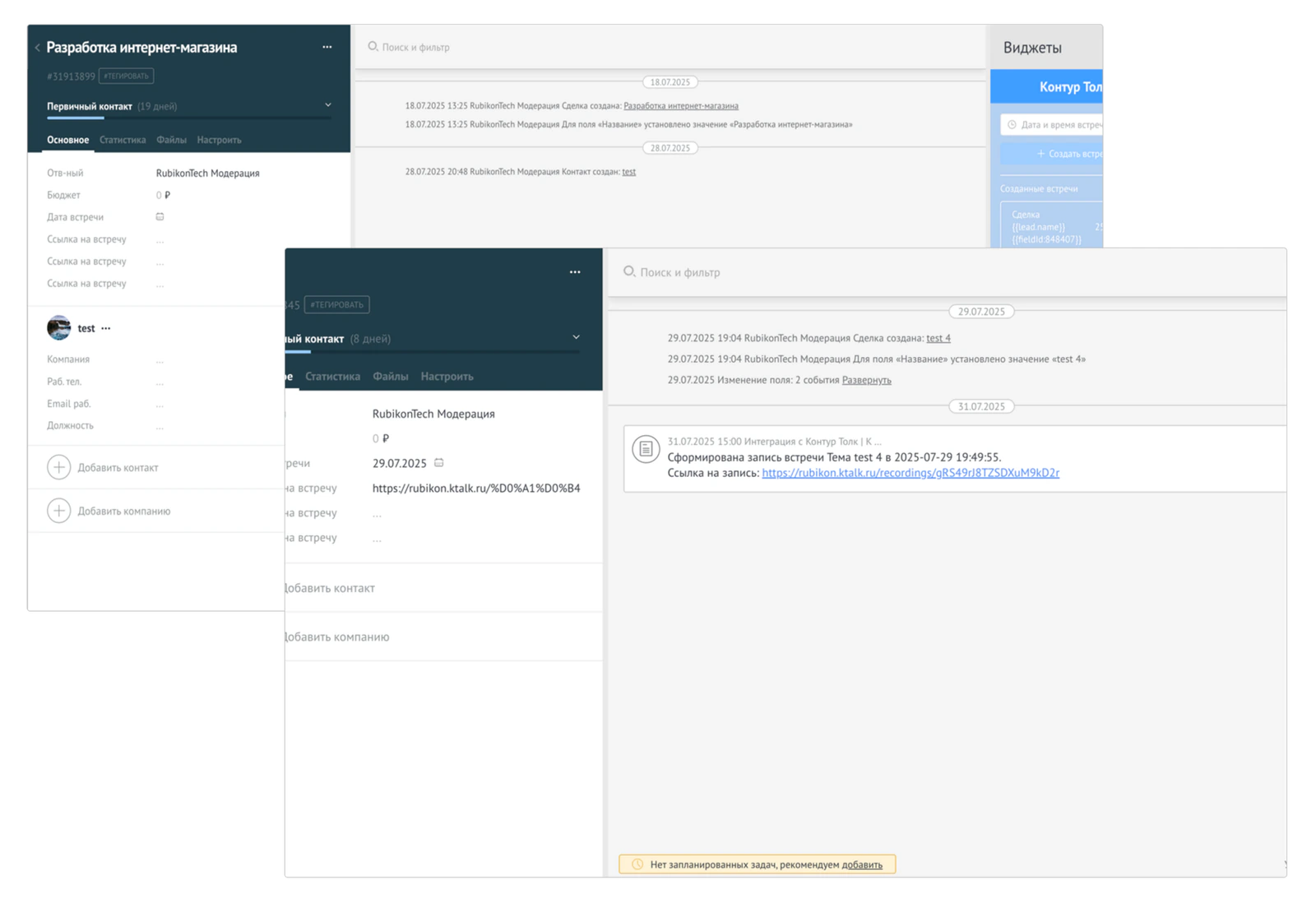
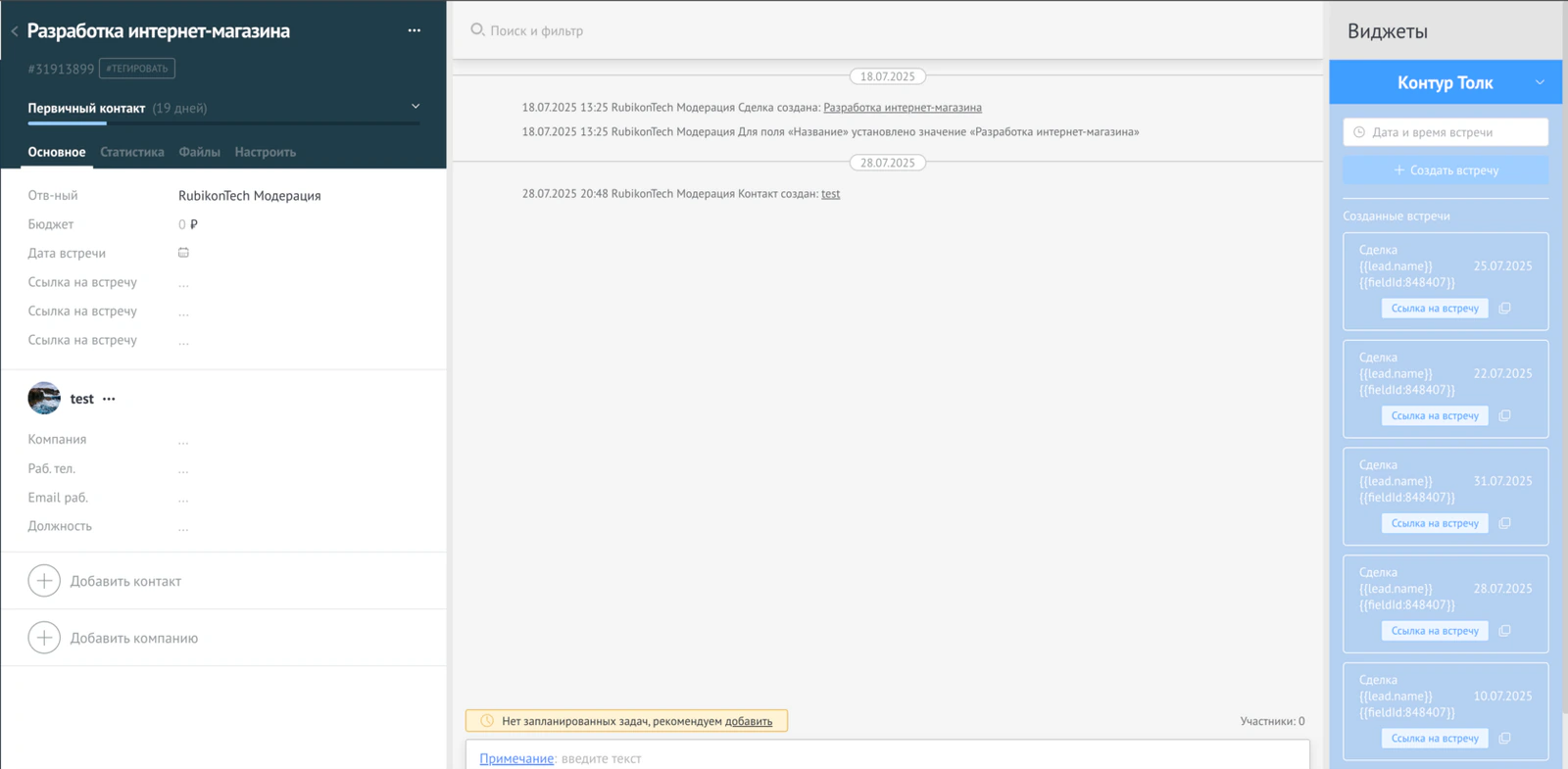
Create an appointment directly from a deal

Create a video meeting in Kontur Talk directly from the deal card in amoCRM. The link is generated automatically - without switching between services
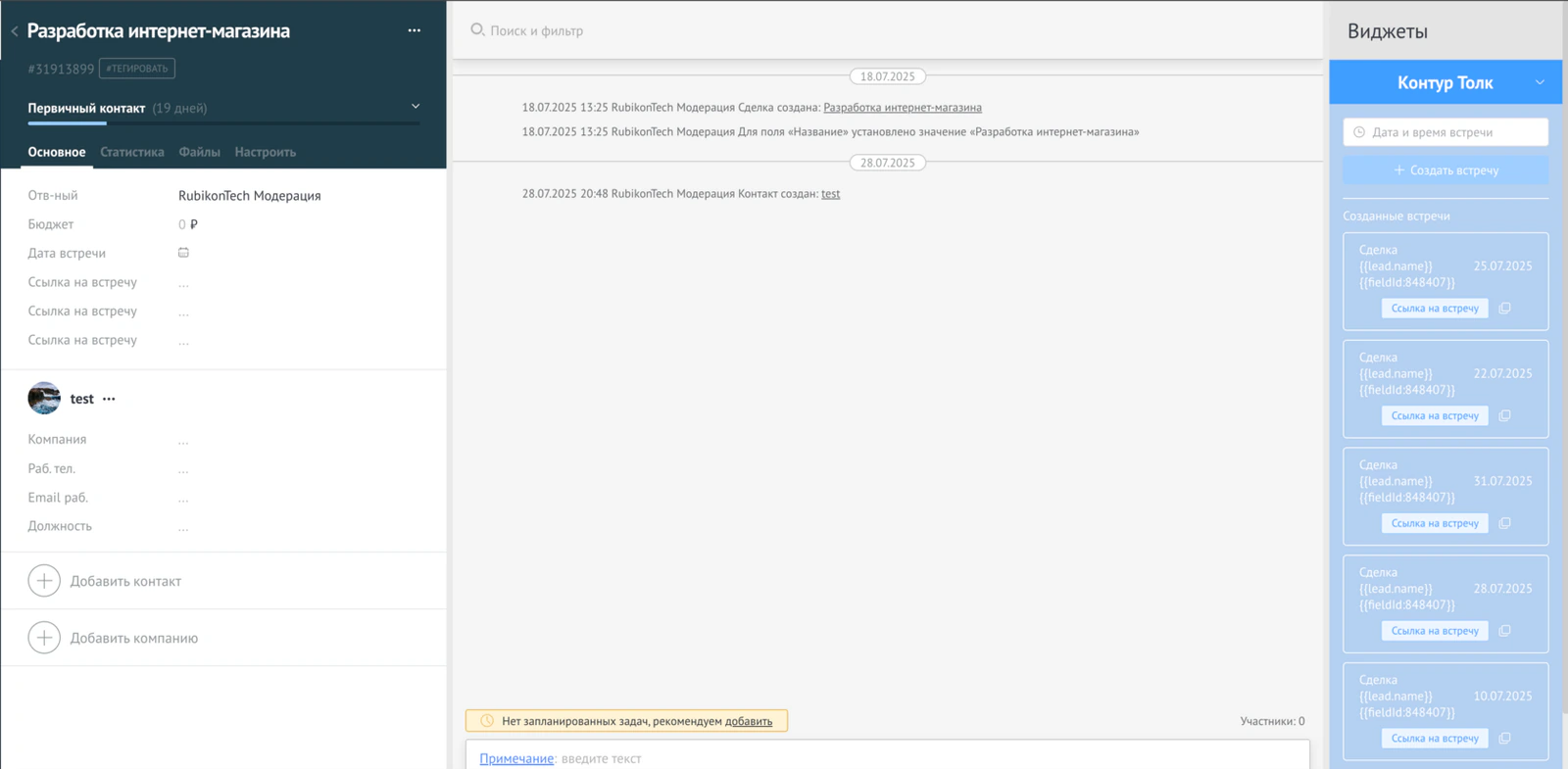
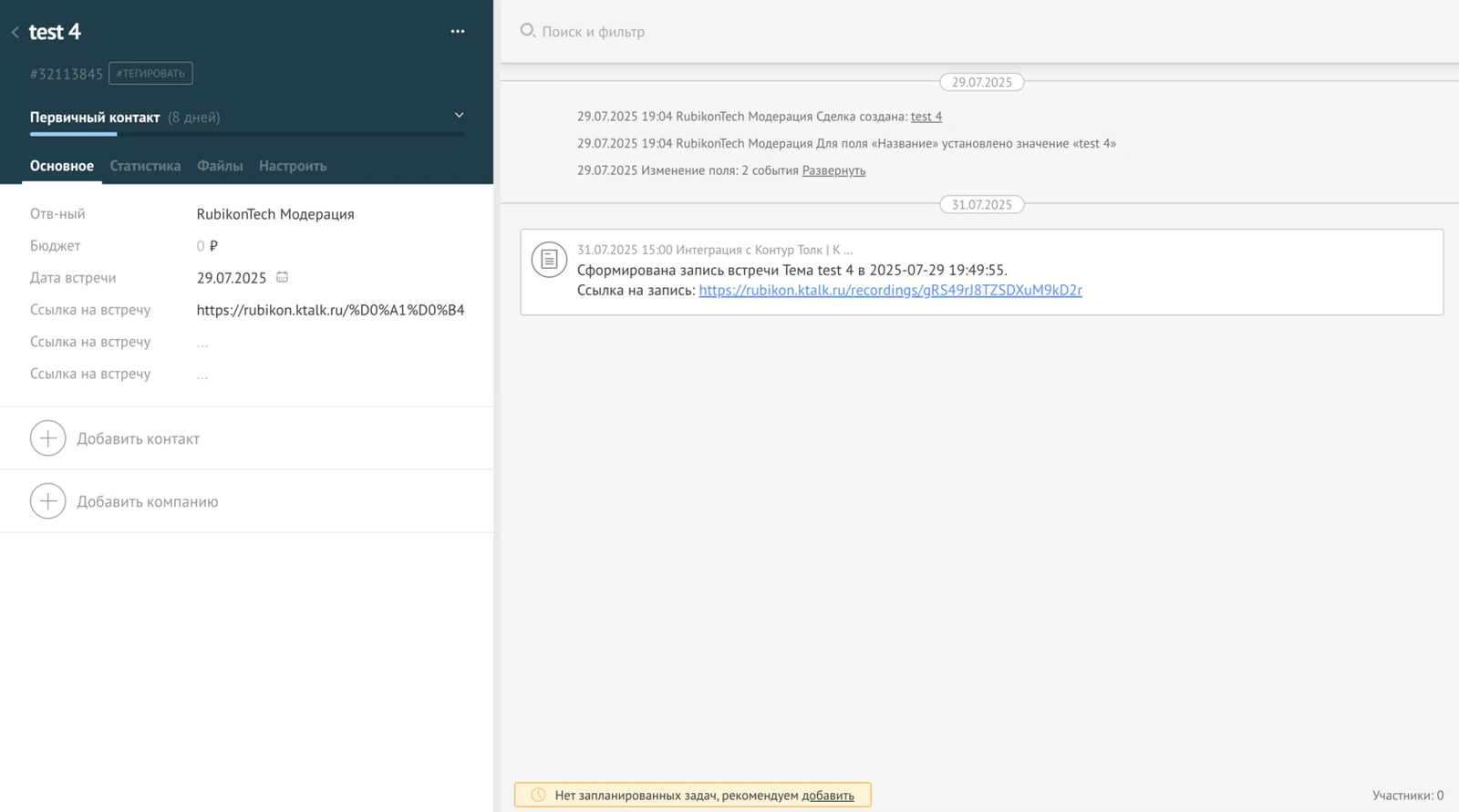
Automatic meeting recording

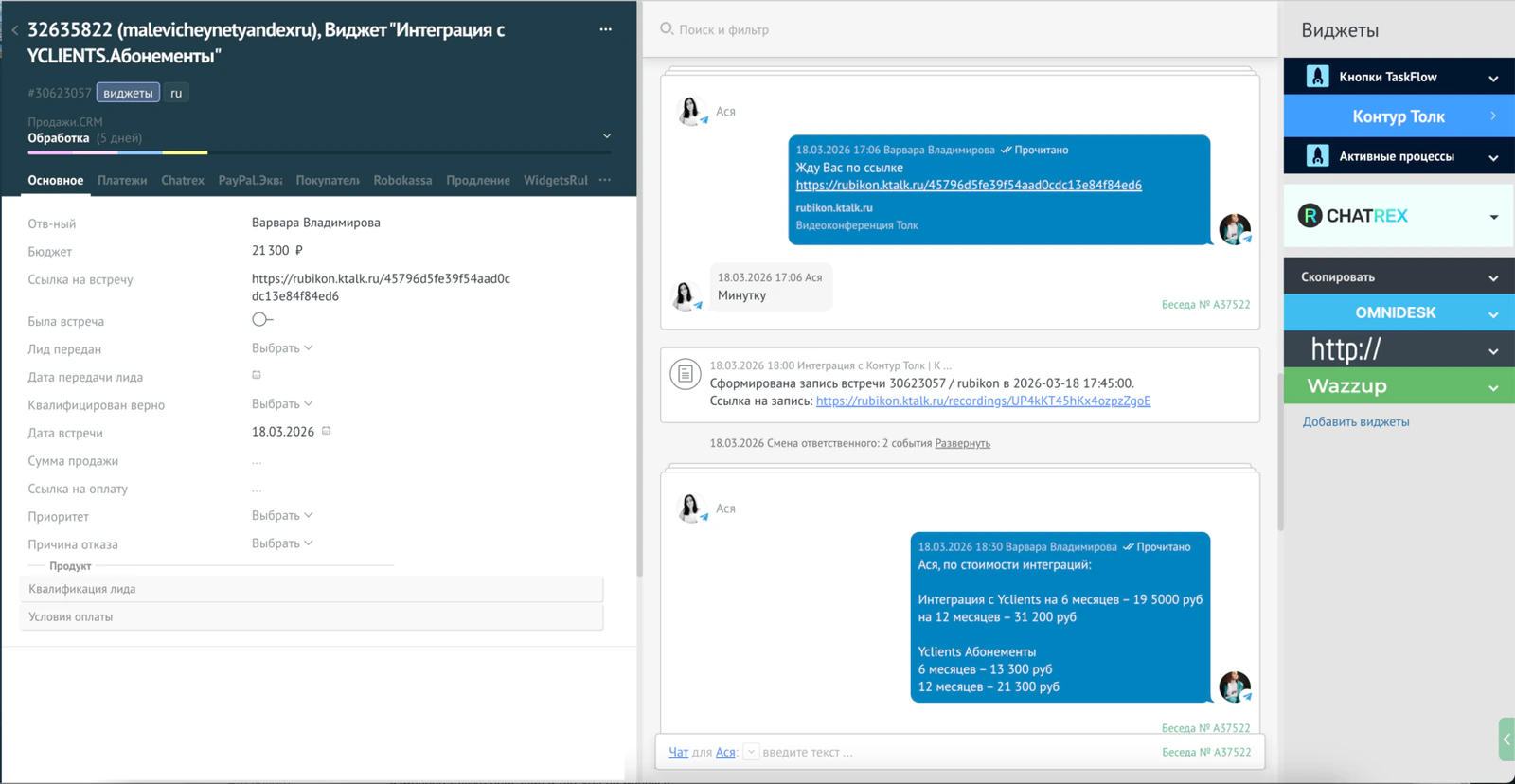
After the video meeting ends, the recording is automatically saved in the deal. The entire history of communication with the client is always available in CRM
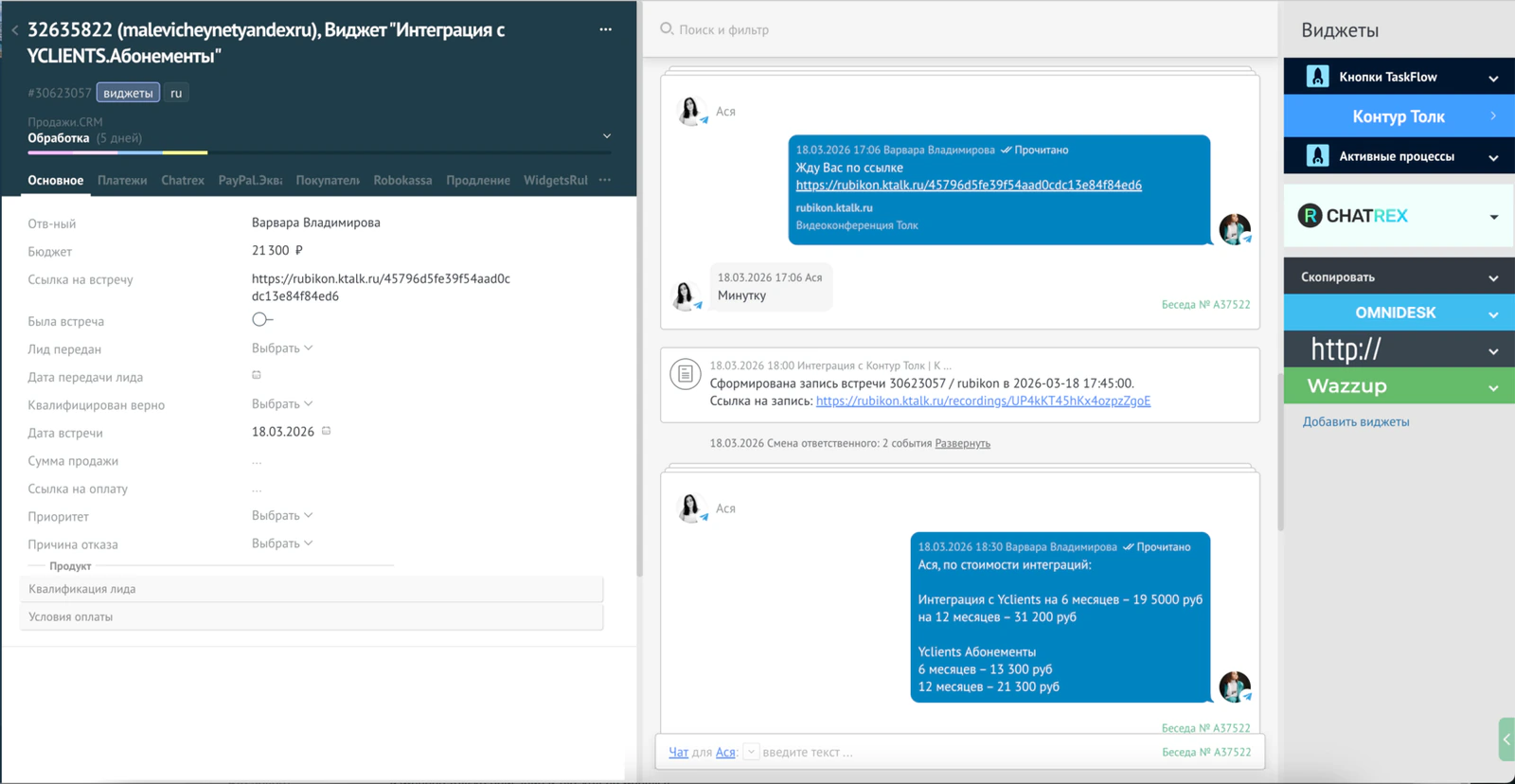
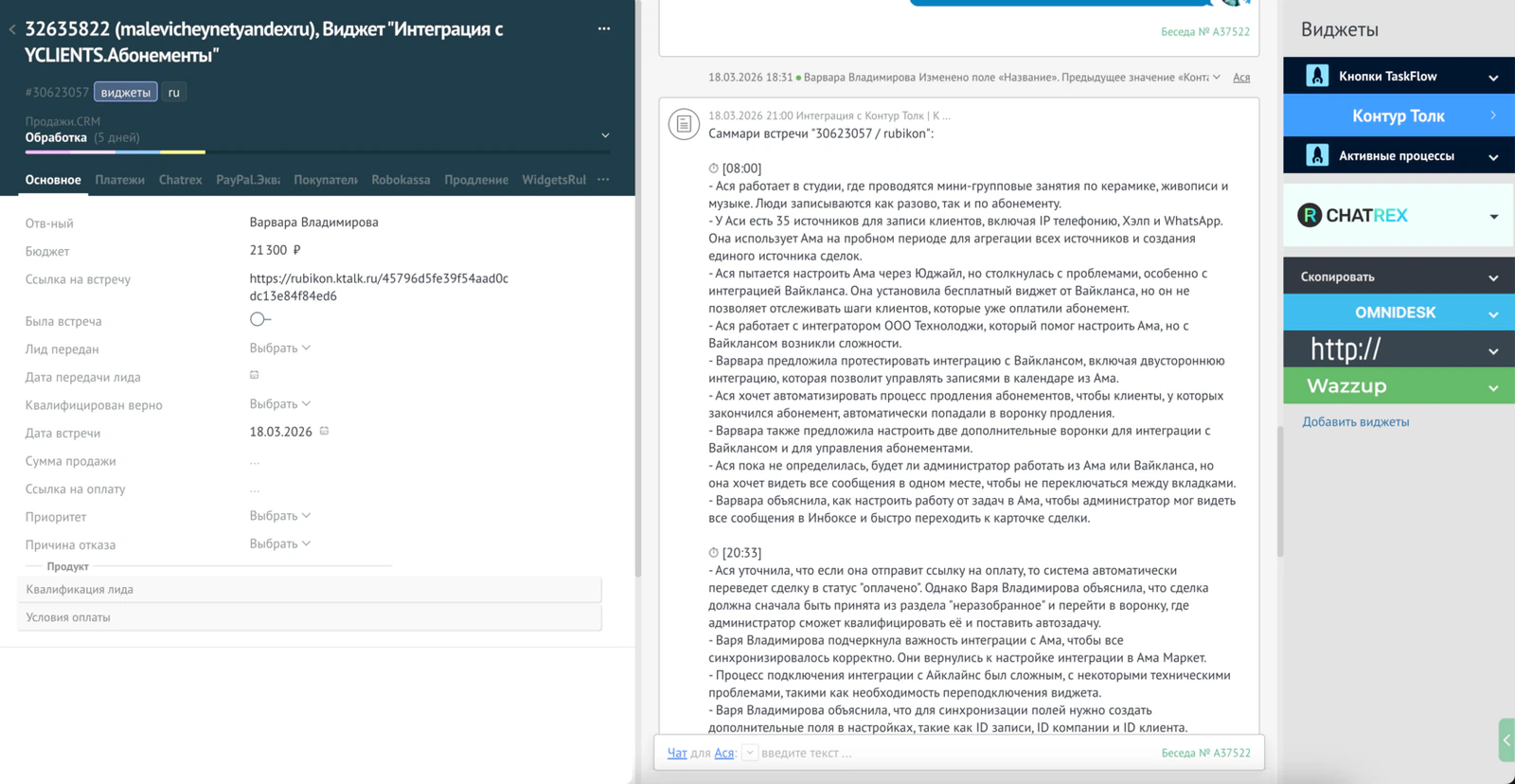
Summary and transcription of negotiations

The text of the meeting with key points appears in the deal card. You can quickly return to agreements without re-listening to the recording
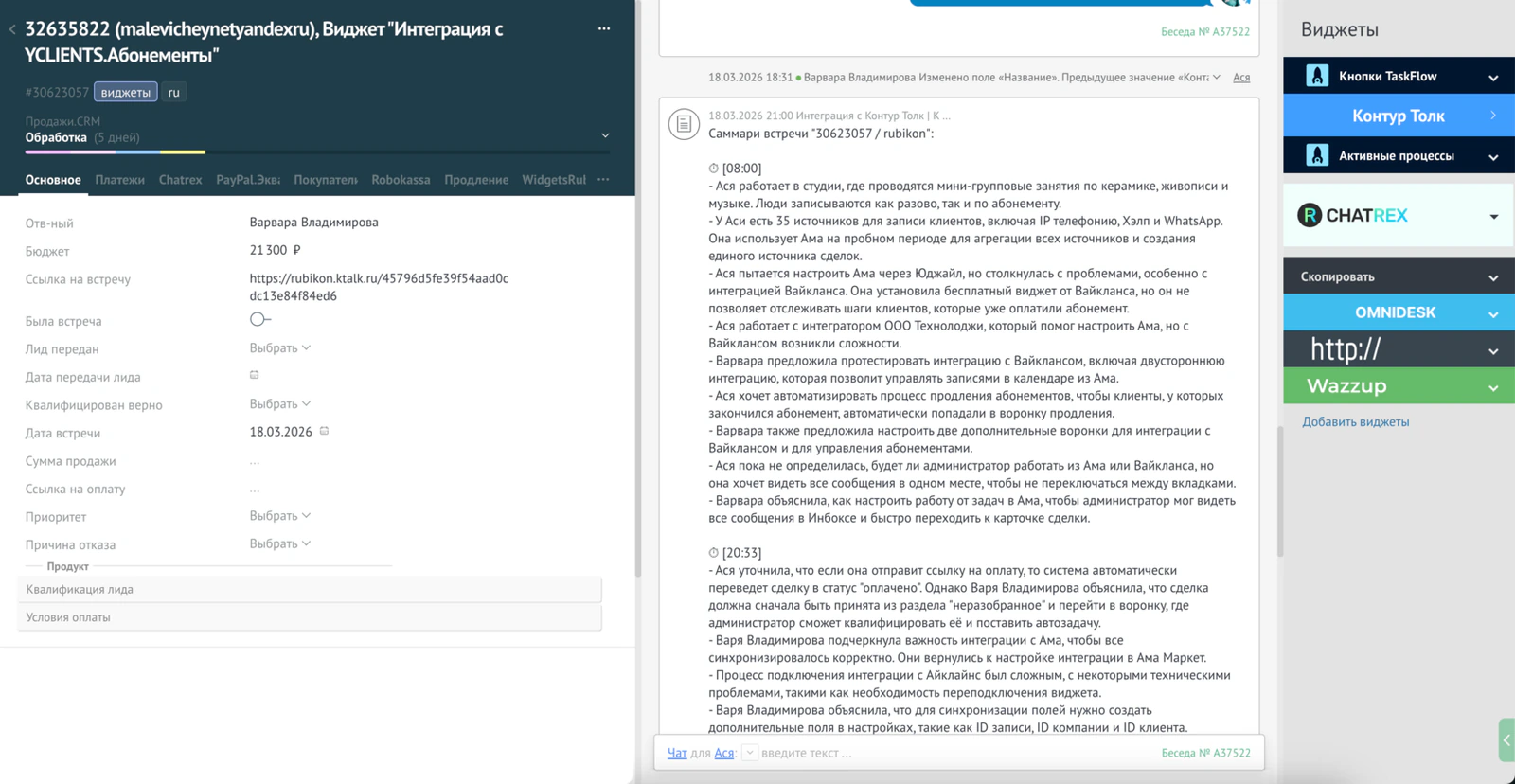
Full control of communications with the client

All meetings, recordings and discussions are recorded in one place. The manager and team see the full history of work with the client
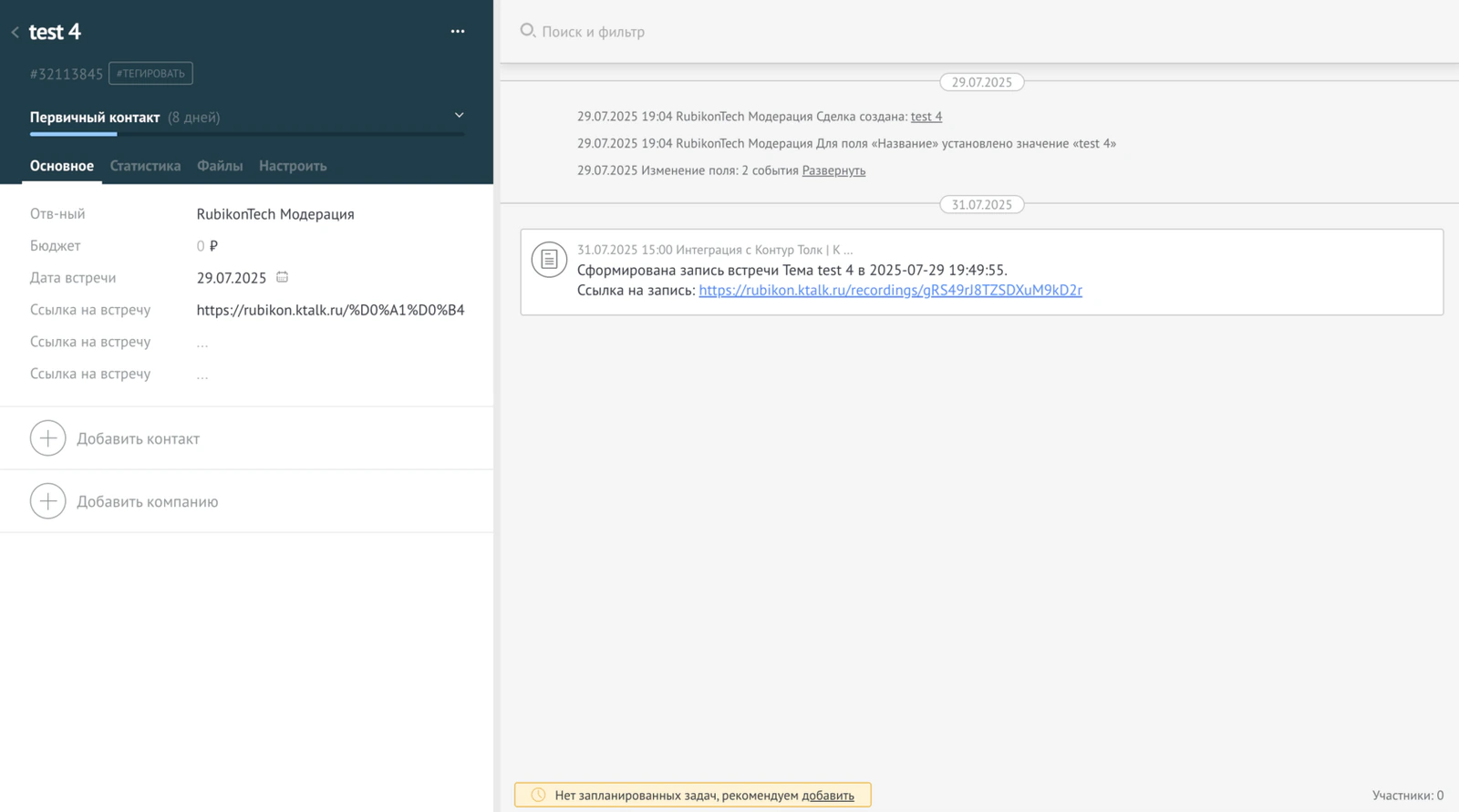
Pricing plans

Loading current plans…

Loading prices from services.myrubikon.tech

Frequently asked questions

Everything about the widget: when to use it, how to configure it, and what are the nuances?

What does the integration of Kontur Talk and amoCRM provide?

The integration allows you to conduct video meetings directly from amoCRM and automatically save recordings and transcriptions in the deal card. The entire history of communication with the client is recorded in CRM

How to create a video meeting from amoCRM?

You can create an appointment directly from the deal card. The link to the video call in Kontur.Talk is generated automatically and is ready to be sent to the client

Is the meeting recording saved in CRM?

Yes, after the video meeting ends, the recording is automatically uploaded to the deal card. You can always return to the conversation with the client

What is a meeting summary?

Summary is a text transcript of a conversation with key points. It allows you to quickly understand what was said without re-listening to the recording.

Is it possible to view the history of all meetings with a client?

Yes, all meetings, recordings and summaries are saved in the deal card. You see the complete history of interaction with the client in one place

How does integration help control managers?

The manager can view recordings of meetings and summaries of negotiations. This allows you to evaluate the quality of communication and eliminate errors in working with clients

Do I need to switch between services?

No, all work is done inside amoCRM. You create meetings, view recordings and manage communications in one interface

Is the integration suitable for the sales team?

Yes, integration is especially useful for sales departments, where it is important to record agreements and control negotiations with clients

Is it difficult to set up the integration?

Setup takes minimal time and does not require technical skills. The widget adapts to your work processes

Send an enquiry — we will carry out a free audit and show you which package suits your business