RU
for dentistryfor clinics

Integration of SQNS and amoCRM for dentists and clinics

Patients write, but not everyone makes it to the appointment? Link amoCRM and SQNS | 1denta | klinikon so that not a single application is lost and patients come back again

Integration of SQNS and amoCRM for dentists and clinics

What SQNS + CRM brings to your clinic

SQNS helps to record and schedule clients, and CRM complements the system with control of leads, communications and repeat sales. Together they allow you to manage the entire client cycle - from the first contact to the return visit

Track every enquiry before the booking

SQNS starts working after registration, and CRM helps control requests even before the client registers

All communications in one client profile

Communication history is saved in CRM, and bookings and visits are synchronized with SQNS

Return of clients after a visit

After a visit, data from SQNS helps run return scenarios through CRM

Real-world use cases

Case studies of clients who trusted us and achieved results

CASELalaser Landpackage "result"

+91% to conversion and -3x losses with amoCRM

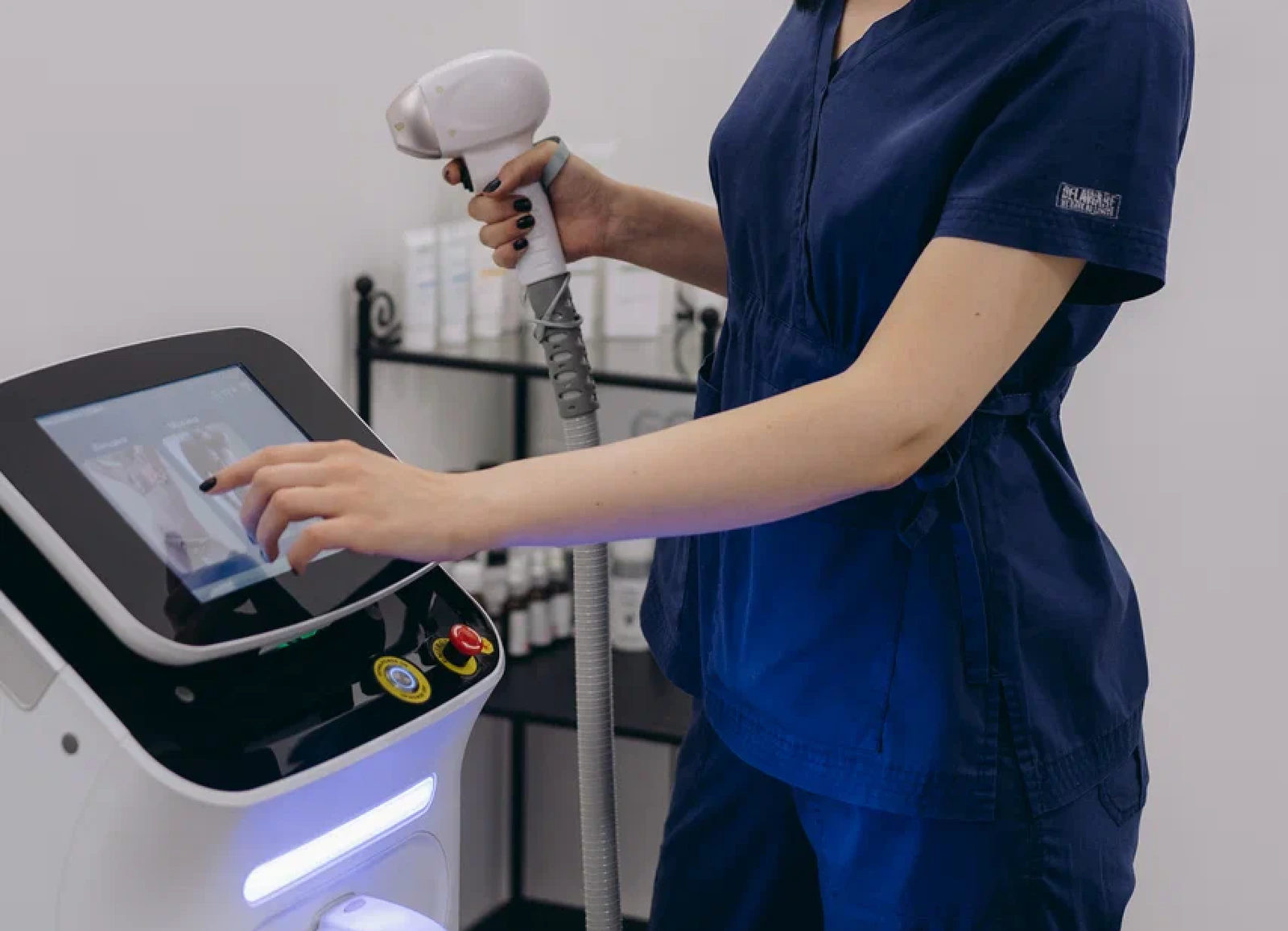
Lalaser Land, the largest network of laser hair removal studios in Kazakhstan, was growing quickly, but along with the growth came chaos: applications were lost, responses took hours, and managers worked in dozens of chats where nothing could be tracked.

After implementation
15 minutesResponse timebefore implementation 2-3 hours
21%Conversionbefore implementation 11%
9%Lost leadsbefore implementation 28%
15%No-showbefore implementation 30%

How the integration works

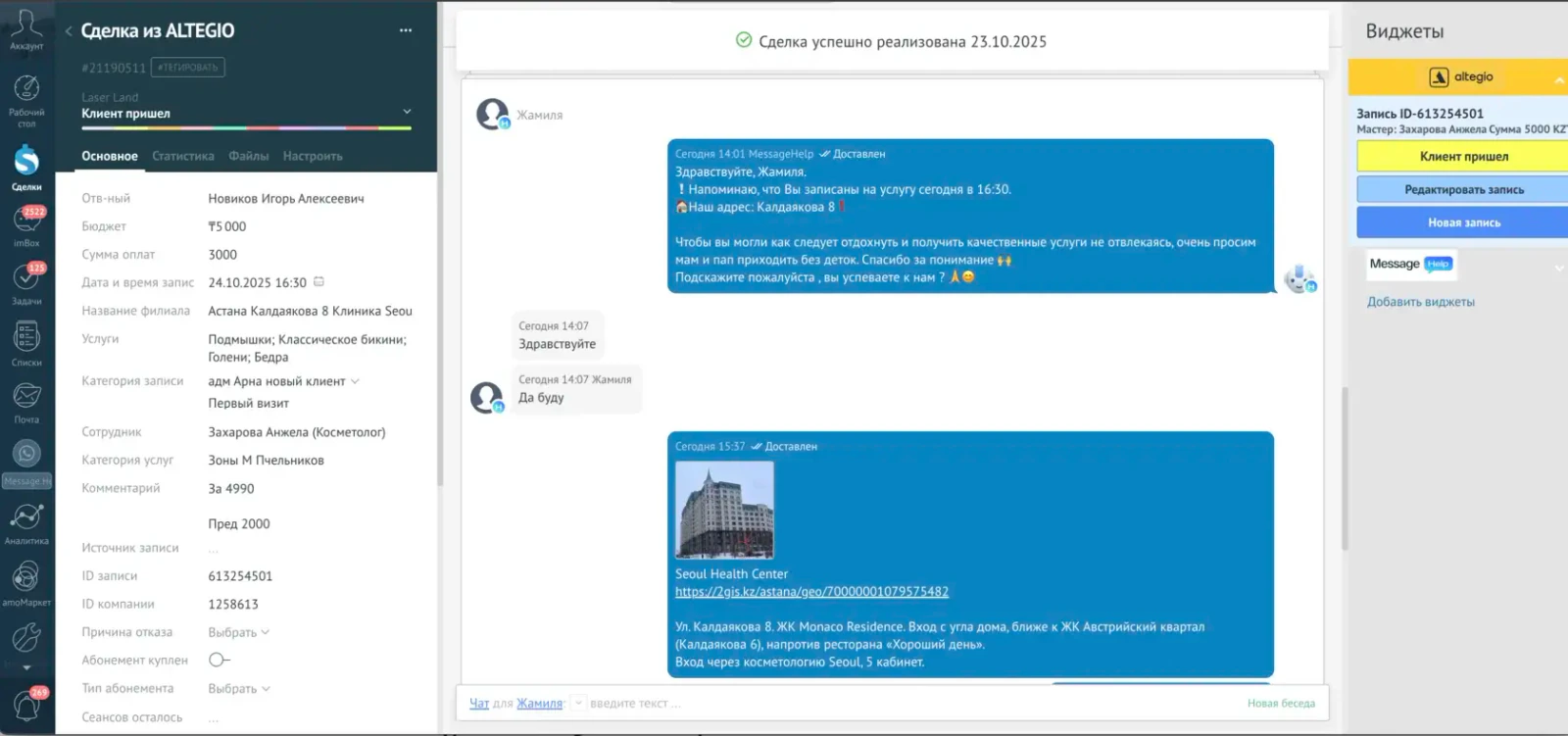
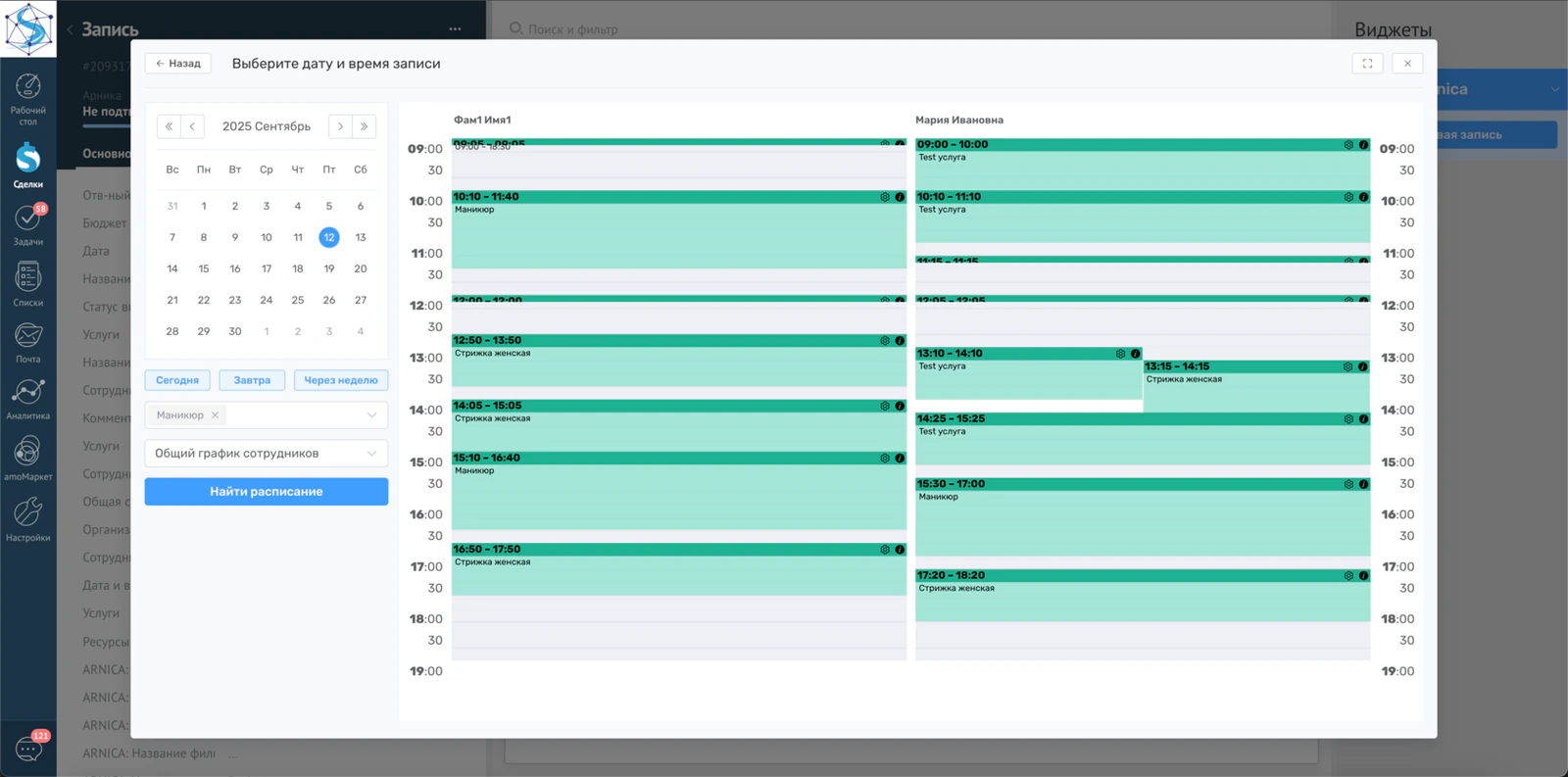
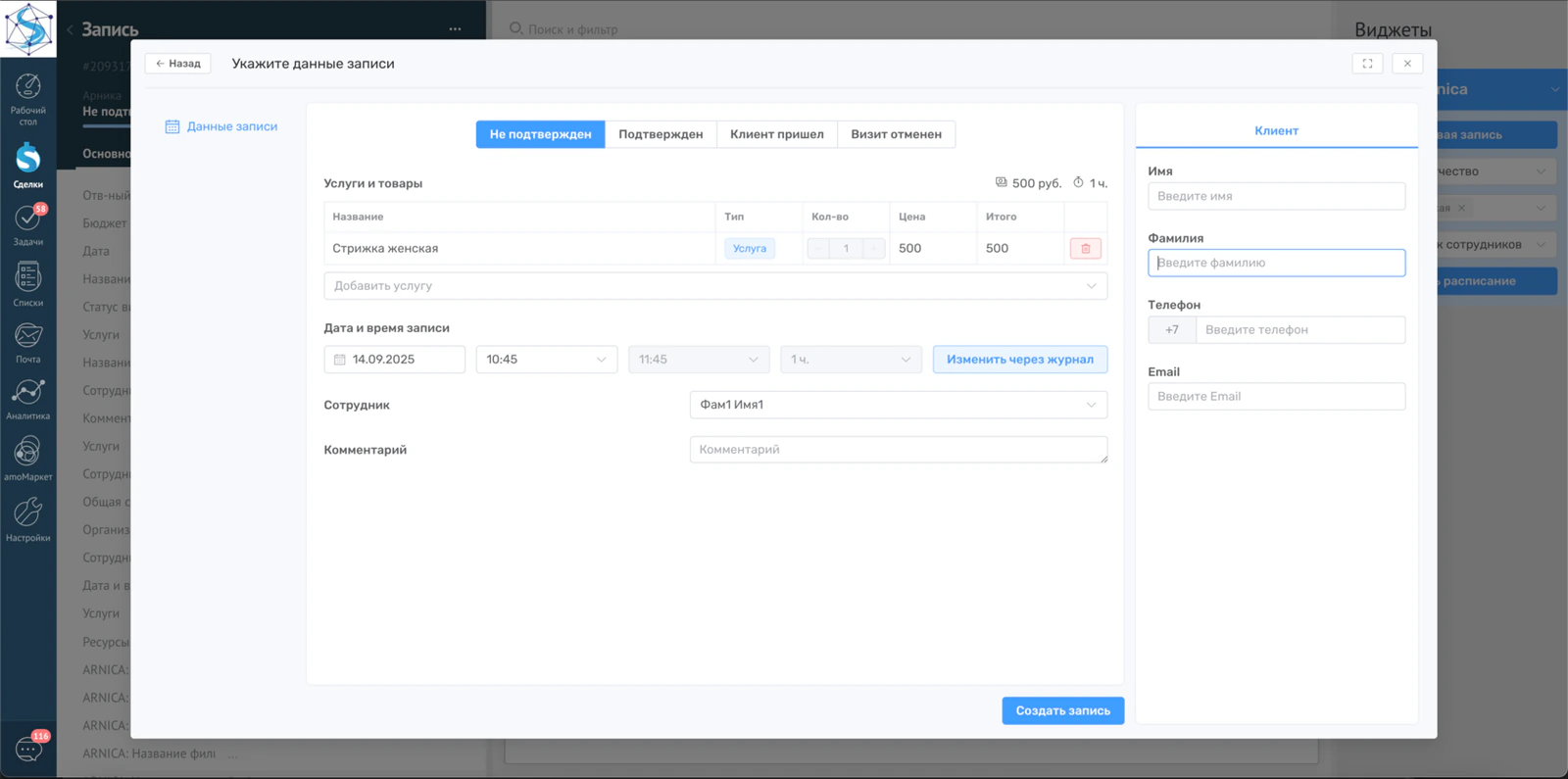
Register clients directly from amoCRM

Employees see free slots directly in CRM and can choose a convenient time without calls, clarifications or going to other windows. Registering a client takes just a few clicks.

Manage visits without unnecessary actions

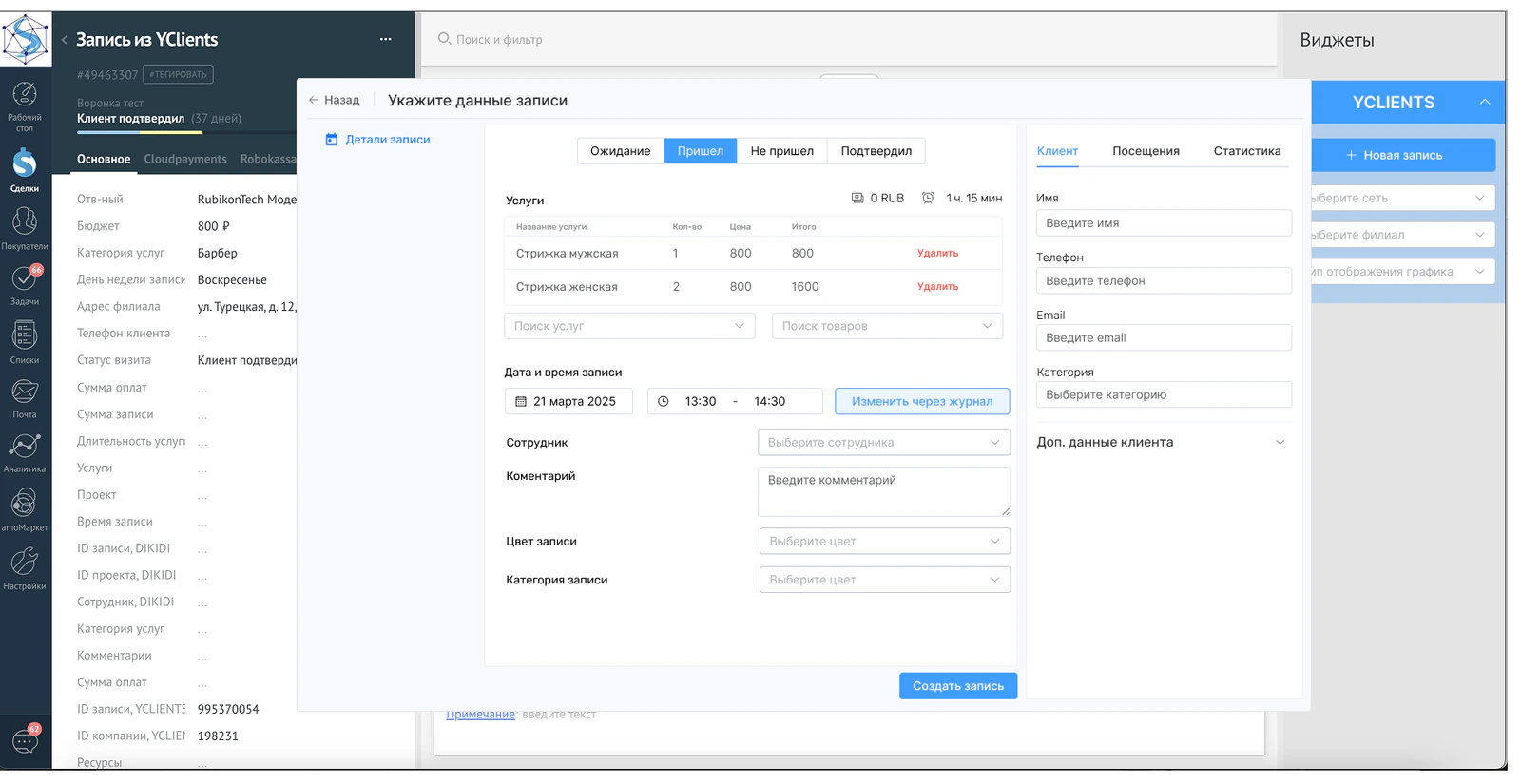
Create an appointment directly from the deal, reschedule or cancel a visit in a couple of clicks. All changes are automatically recorded in CRM and saved in the client history

Work with group posts

In the logbook, employees see the number of available seats in group events and can quickly sign up a client for the desired class or procedure

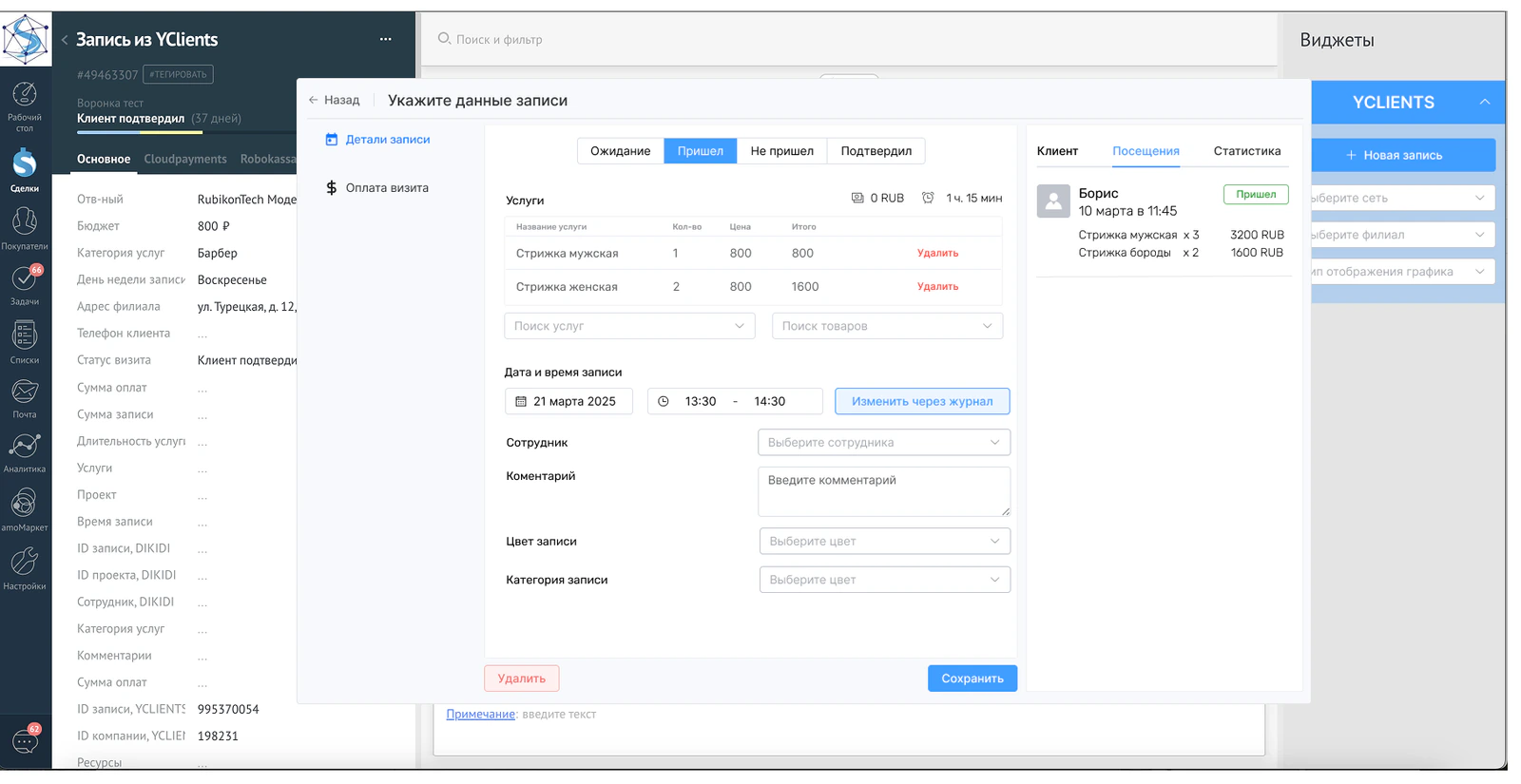
View a client's browsing history

After the first entry in CRM, a complete history of client visits is saved. You can quickly view past visits and go to the desired entry to clarify details

Flexible automation settings

Connect any number of accounts

Supports connecting any number of SQNS accounts

Conveniently set up matches

Quickly and conveniently configure the correspondence of fields between SQNS and amoCRM in which data will be recorded

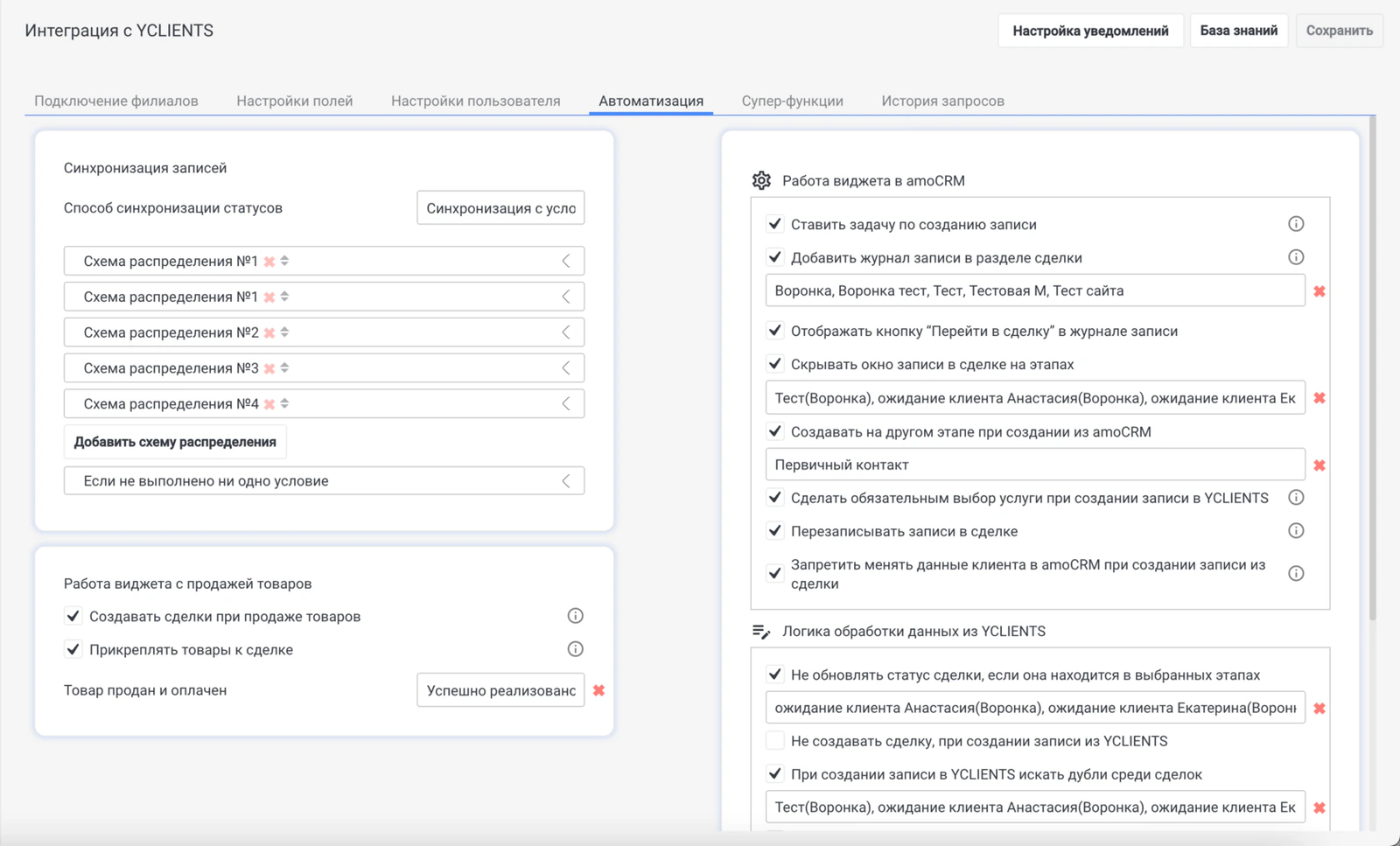
Setting up automation

Enable or disable reverse synchronization of data from SQNS, and also select which statuses to move deals to for which events

Automation setup interface

Pricing plans

(10 connected branches included in integration)*

Loading current plans…

Loading prices from services.myrubikon.tech

Find out how to use this solution as efficiently as possible

Frequently asked questions

Everything about integration: when to use, how to configure and what are the nuances

Is it possible to connect SQNS to amoCRM?

Yes, SQNS can be integrated with amoCRM to combine records, patients and communications into one system. Integration allows you to transfer data about patients, visits and services between systems and work with them without manual transfer

Why does a clinic need SQNS and CRM integration?

SQNS helps manage scheduling and records, but does not control the entire patient journey. The CRM system complements it, allowing you to: work with applications before appointments control communications with patients return patients after the visit Together, SQNS and CRM give complete control over the flow of patients and help increase revenue.

How long does it take to connect SQNS and amoCRM integration?

On average, connecting and setting up integration takes from 1 to 3 days. The period depends on the complexity of the processes, the number of branches and the necessary automation

Do I need to hire a programmer for integration?

No, the integration is customizable without any development required on your part. The Rubikon team performs connection, configuration and testing of the turnkey system

What data is transferred between SQNS and amoCRM?

As part of the integration, the following are synchronized: patient data, records and visits, services and specialists, visit history. This allows you to see all the information about the patient in the CRM and work with it without switching between systems.

Is integration suitable for one clinic or a network of clinics?

Yes, integration is suitable for both one clinic and a network with several branches. You can take into account different locations, employees and services in a single system.

How does CRM help increase patient return?

The CRM system allows you to automatically work with the patient database: send appointment reminders, return patients who have not made an appointment for a long time, make personal offers. This helps turn one-time visits into regular ones.

Is the solution suitable for a network of several branches?

Yes, CRM shows analytics for each clinic and combines all requests into one system.

Is it possible to track the performance of administrators?

Yes, in CRM you can see: speed of response to requests conversion to record number of requests processed This allows you to control the work of employees and improve the quality of service.

Is it possible to manage patient records directly from amoCRM?

Yes, after integration, employees can see free slots and sign up patients directly in amoCRM. This speeds up the work of administrators and reduces the number of recording errors.

Send an enquiry — we will carry out a free audit and show you which package suits your business