Bring enquiries, baskets and payments from Tilda into CRM without losses
Create deals for applications, baskets and payments from the Tilda website, eliminate duplicates and customize processing to suit your business processes
Where your website loses enquiries and revenue
Without proper integration, applications from the site, carts and payments are processed manually or lost - you do not control the flow of customers
Applications from the site are lost or processed with a delay
Clients leave requests, but managers do not have time or forget to process them

No control over carts and payments
You don’t see who placed an order but didn’t pay—you’re losing potential money

Duplicates and chaos in CRM
One client can create several requests - the database becomes clogged and analytics breaks down

How the widget works


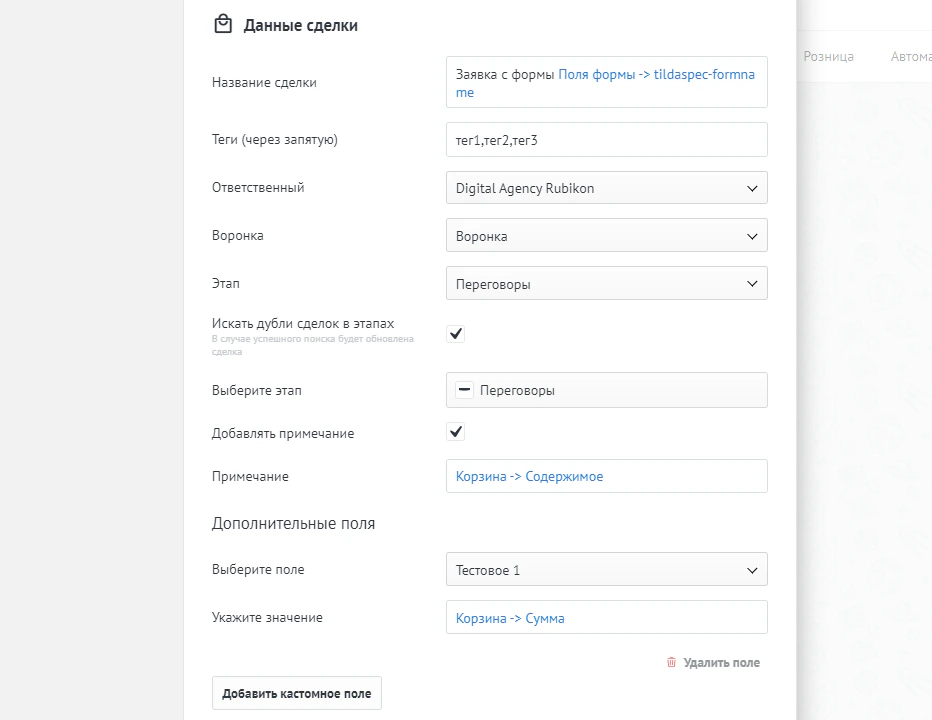
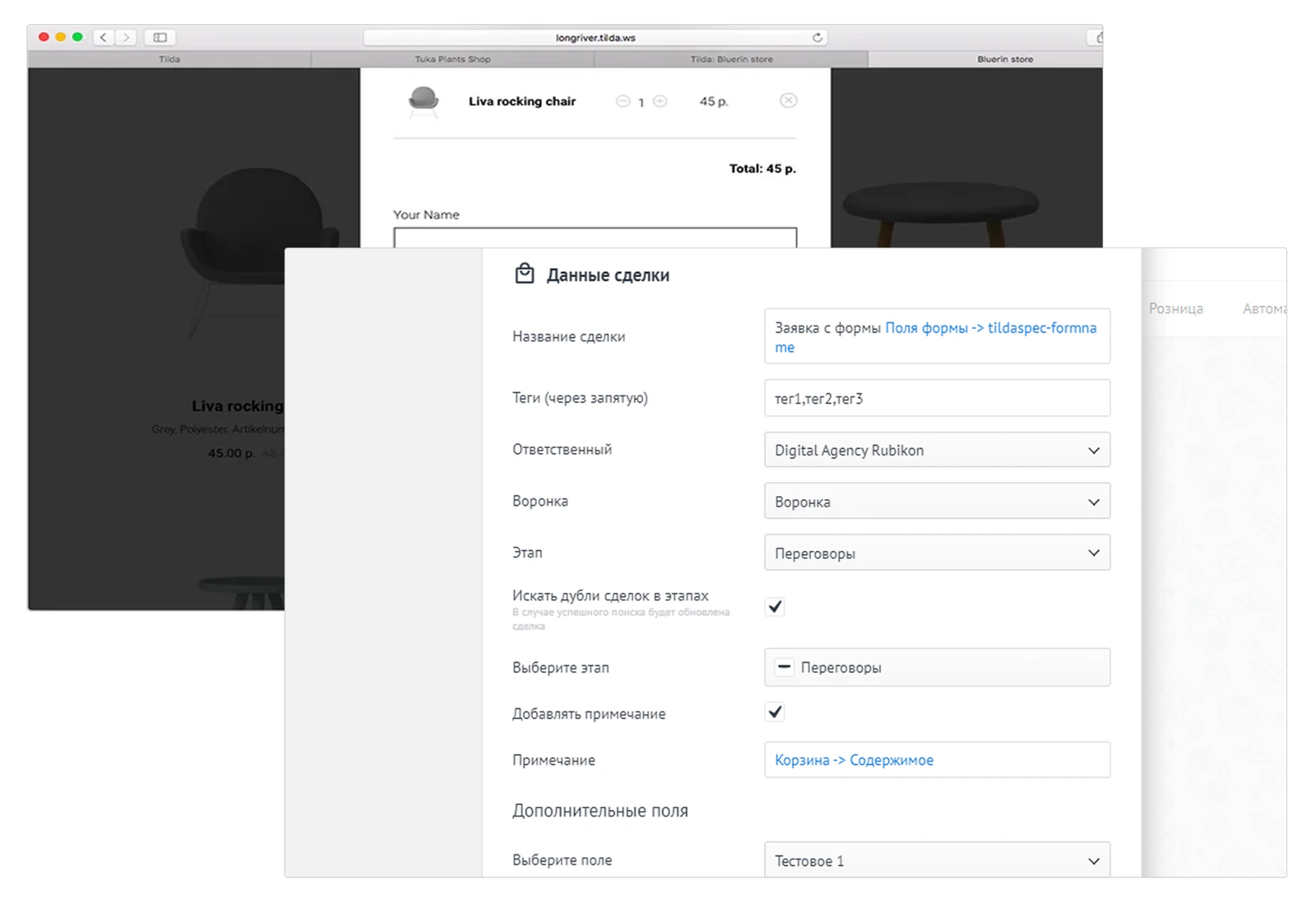
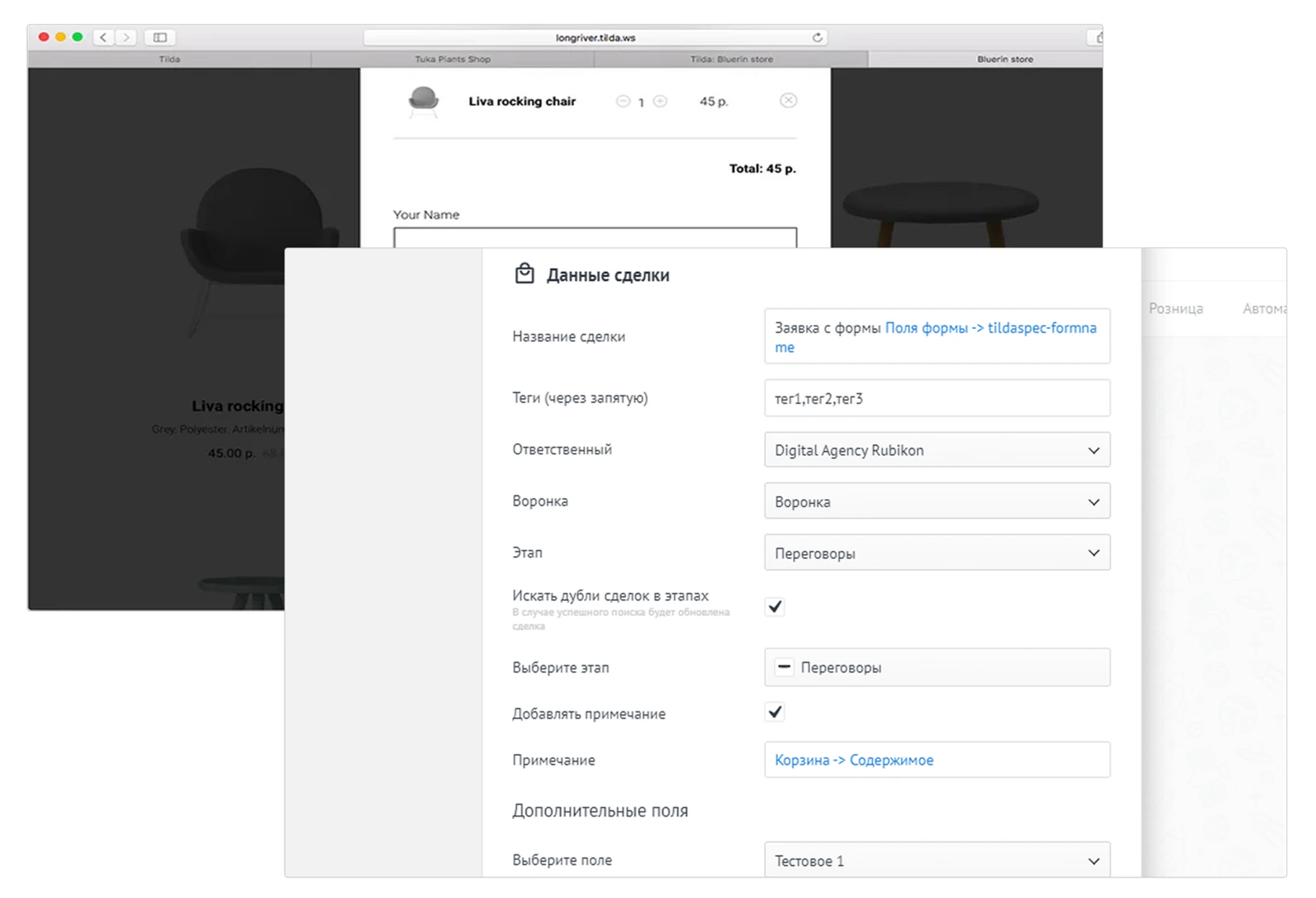
All requests from forms on Tilda are automatically created as transactions in CRM - without manual entry
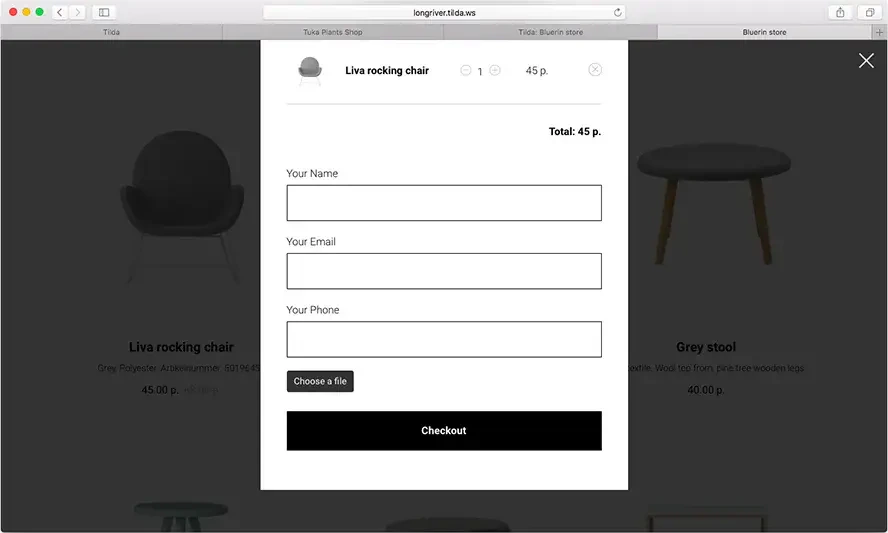
Data on completed carts and products is transferred to the deal - you see exactly what the client chose
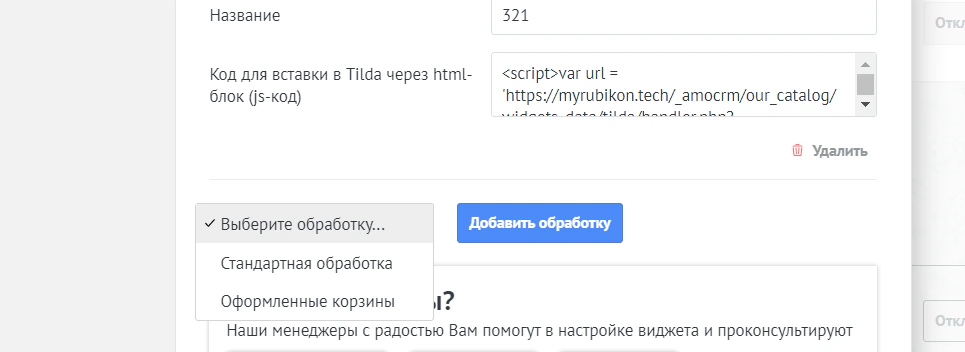
When the client pays, the deal is automatically updated and changes its status - managers always see up-to-date information
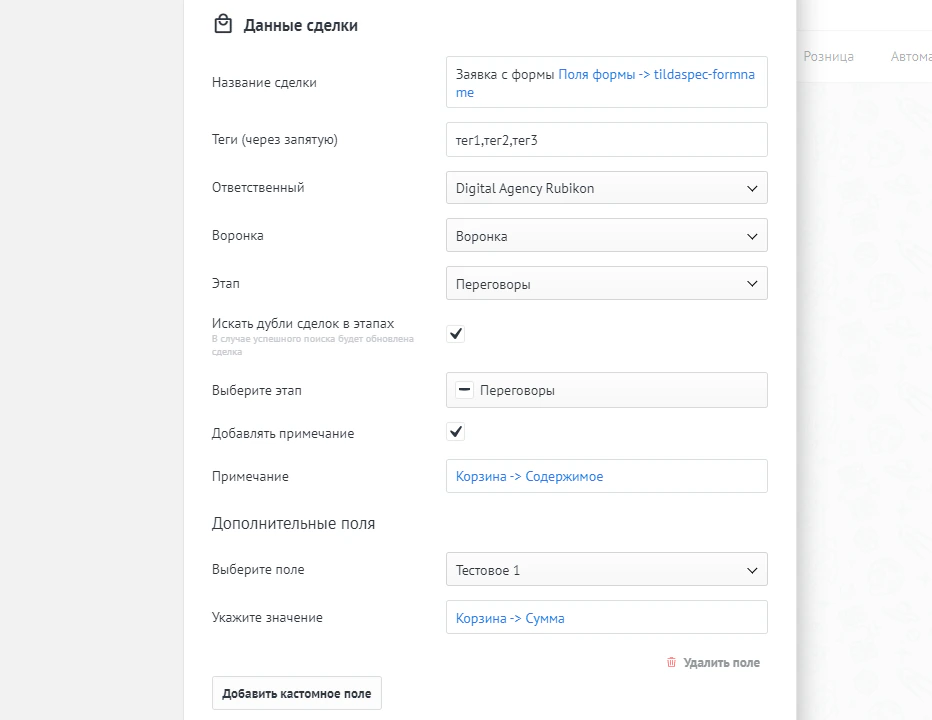
The widget checks clients for duplicates and allows you to customize the processing logic to suit your processes
Pricing plans
Loading prices from services.myrubikon.tech
Frequently asked questions
Everything about the widget: when to use it, how to configure it, and what are the nuances?
What data is transferred from Tilda to CRM?
Applications, baskets, products and payments - everything is automatically created and updated in CRM
Is it possible to transfer baskets and goods?
Yes, the widget transmits the contents of the cart and products so that you can see what the client has chosen
What happens when paying?
After payment, the deal is automatically updated and changes its status in CRM
Is it possible to configure different processing scenarios?
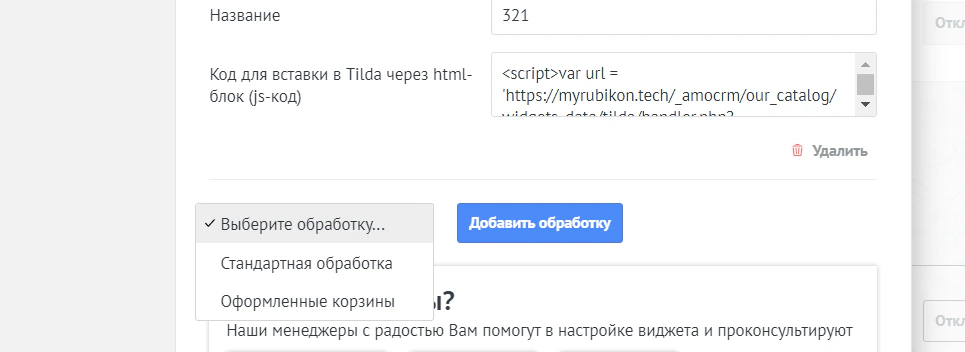
Yes, you can set up separate logic for applications, carts and payments
How does duplicate checking work?
The widget searches for existing clients and updates data instead of creating new duplicates
Are UTM tags and analytics supported?
Yes, you can transfer UTM tags and other data to analyze application sources
Is it possible to connect multiple sites?
Yes, you can connect an unlimited number of sites to one CRM
Do I need to manually transfer data?
No, requests are automatically created and processed according to the specified logic
How is this useful for business?
You don’t lose applications and payments, control the entire flow of customers and increase the website’s conversion into sales