Is the widget really free?
Yes, Ban No-Task Deals is a free Rubikon widget. To work, you need an amoCRM account and installation of the solution from amoMarket
Who can set the rules?
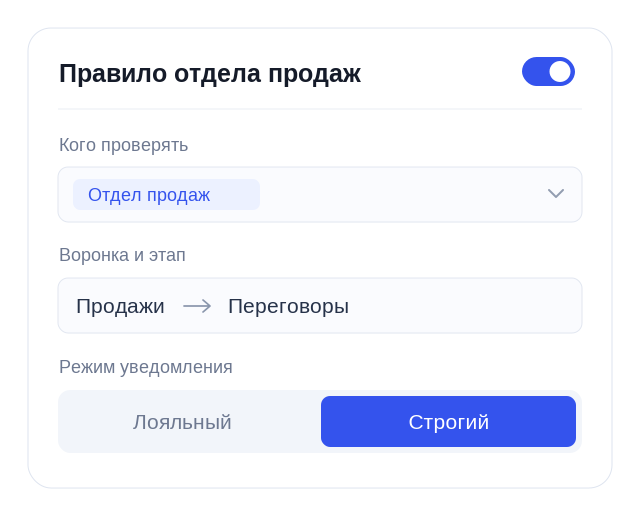
Administrator amoCRM. He selects employees or departments, pipelines, stages and mode. The administrator himself comes under control only when included in the corresponding rule
How does a loyal regime differ from a strict one?
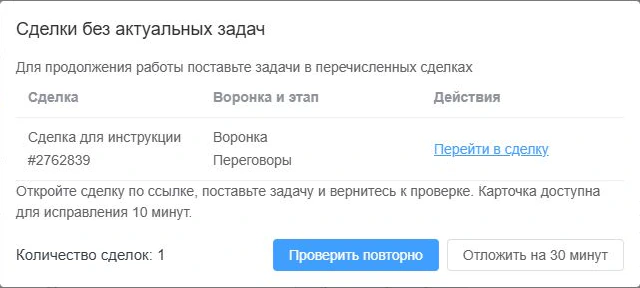
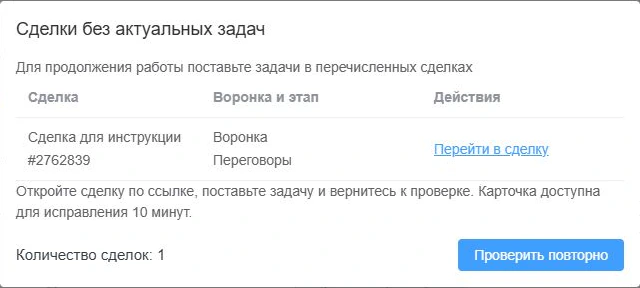
In loyal mode, the notification can be delayed for 30 minutes. In strict mode, it cannot be closed with a cross, the Escape key, or by clicking on the background - you need to go to the found deals and create unfinished tasks
Which task removes the constraint?
Any unfinished task tied directly to a deal. The performer and task type do not affect the scan. The task only in contact or company is not suitable
Is an overdue task also taken into account?
Yes, if it is not completed yet. The widget checks for an unfinished task, not for its deadline. Completed and deleted tasks are not taken into account
Is the entire department blocked because of one deal?
No, the person responsible for the deal receives a notification if it fits his rules. Other employees are not blocked because of someone else's deal. Closed successful and unsuccessful deals are not verified
How often are deals reviewed?
The background scan interval is configurable from 5 minutes to 24 hours, the default is 25 minutes. Additional checks are triggered when opening amoCRM, navigating between supported sections, and after changes to a deal or task
Does the widget work in the mobile app?
Work is guaranteed only in the web version of amoCRM and in sections where public widgets are loaded. The restriction does not apply to REST APIs, external integrations and automations. Operation is not guaranteed on the mobile app.
What happens when the network or API fails?
The widget does not block operation in the event of a temporary server, amoCRM API or network error. The employee will see the message, and the check will be repeated automatically
Does the widget create tasks itself?
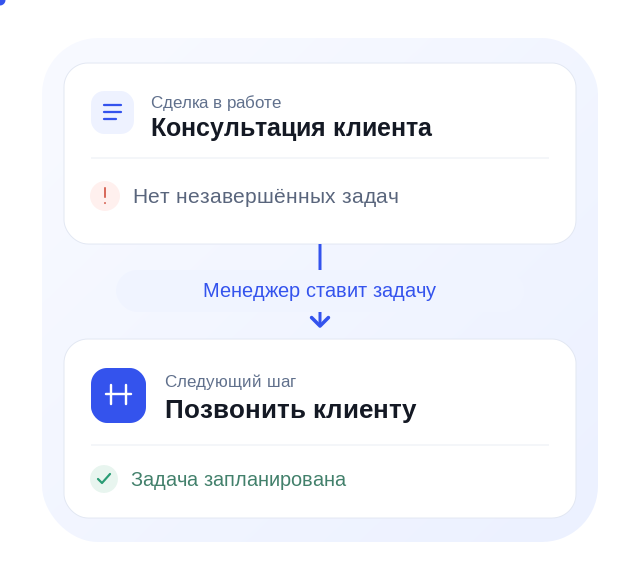
No, the task is created by an employee. The widget finds deals without tasks, shows a list and helps you follow the next action rule