RU

Colour-coded deals in amoCRM — a visual view of your pipeline

Highlight important deals with color - instantly see priorities and control the pipeline without unnecessary actions

Install in amoCRM Free widget
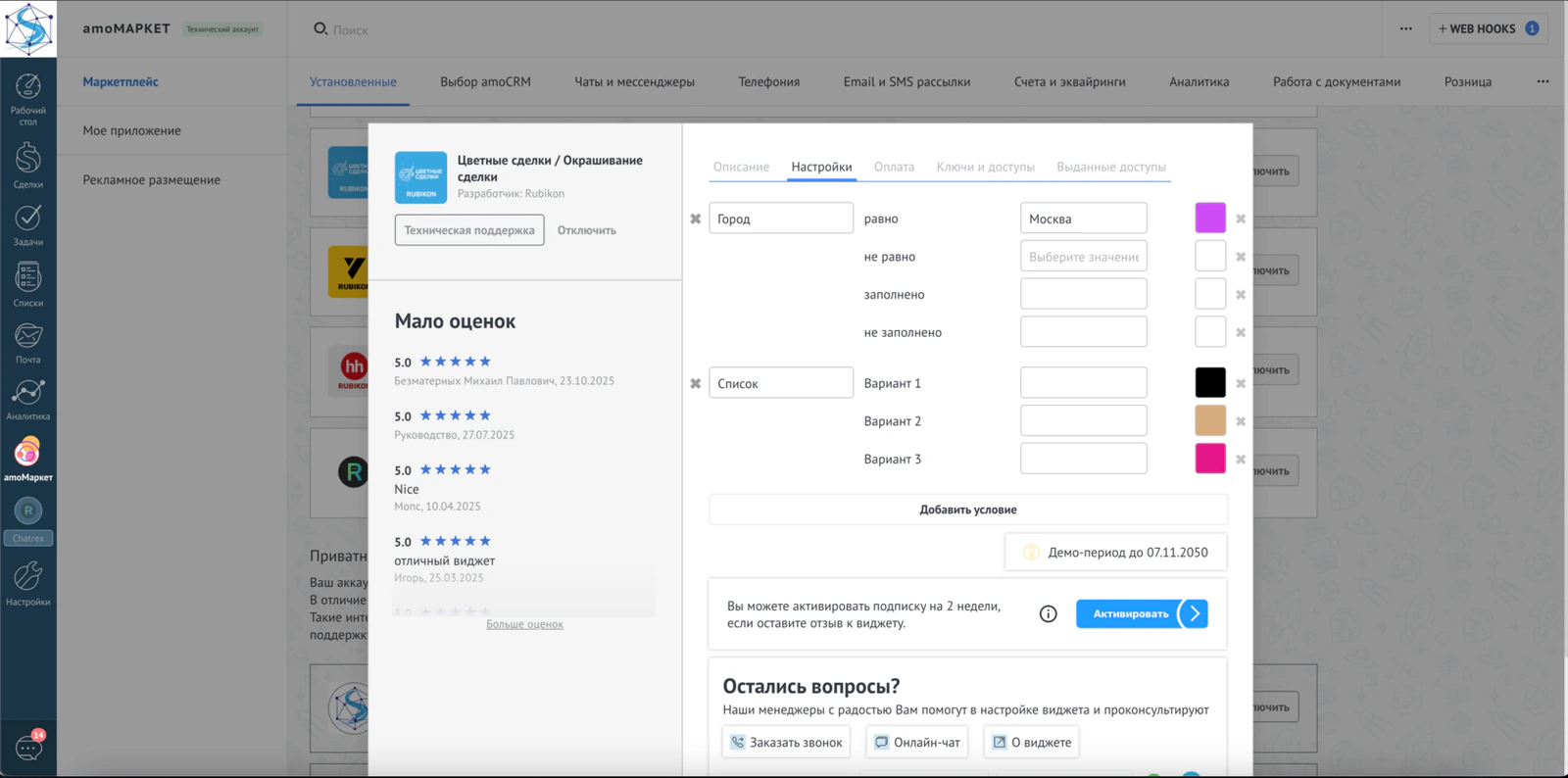
Solution interface in amoCRM

Why deals get lost in the pipeline

All deals look the same - managers don’t see priorities, miss important tasks and lose control over the process

No visual priority

deals are not different from each other - it is difficult to know which ones require attention

Managers get lost in the pipeline

With a large number of transactions, it is difficult to quickly navigate and make decisions

Important deals are missed

Without visual signals, deals may get lost and remain unprocessed

How the widget works

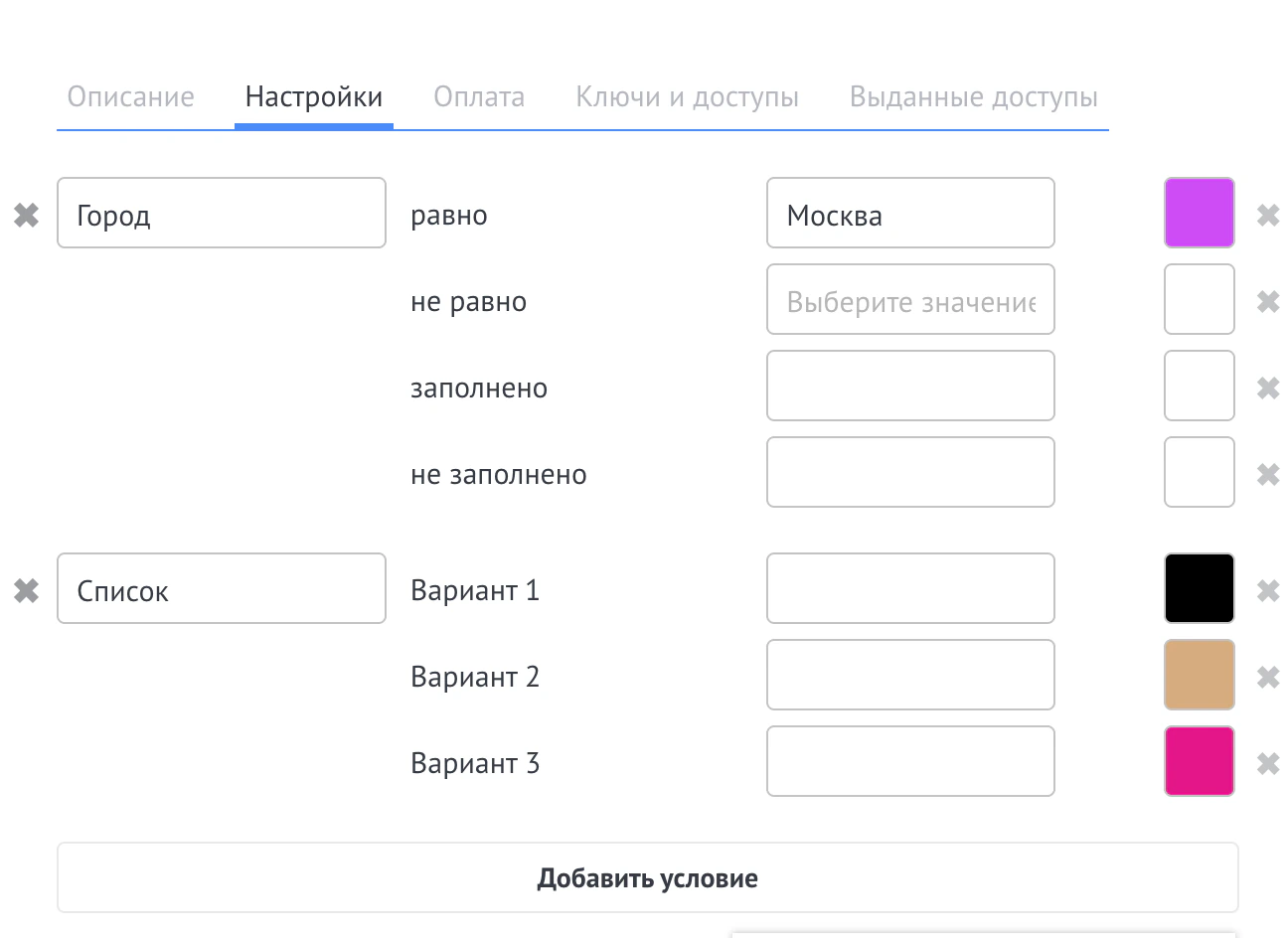
Set dyeing conditions

Select fields and set up conditions - by values, dates, lists or other deal parameters

Assign colors for deals

Determine what color deals will be highlighted when specified conditions are met

Control the pipeline visually

Deals are automatically colored - you immediately see priorities and make decisions quickly

Find out how to use this solution as efficiently as possible

Setup instructions

Frequently asked questions

Everything about the widget: when to use it, how to configure it, and what are the nuances?

How does deal coloring work?

You set the conditions under which deals are automatically colored in the selected color right in the pipeline

What fields can I use?

Supported fields include: number, date, list, multilist, radio button and text

Is it possible to set different conditions for different colors?

Yes, you can set up multiple conditions and assign a different color to each of them

Is it possible to select deals by date?

Yes, conditions are available: today, tomorrow, in 7 days, as well as comparison of dates

Is the widget suitable for prioritizing deals?

Yes, you can highlight important deals with color and navigate your pipeline faster

Is it difficult to set up conditions?

No, setup is intuitive and takes a few minutes

Do colors update automatically?

Yes, deals are colored automatically when data changes

Does the widget affect the operation of CRM?

No, it only adds visual display and does not change the logic of amoCRM

How is this useful for business?

The widget allows you to understand at a glance which deals require attention - you make decisions faster, do not lose important deals and increase the efficiency of managers.

Send an enquiry — we will carry out a free audit and show you which package suits your business