What documents can I create?
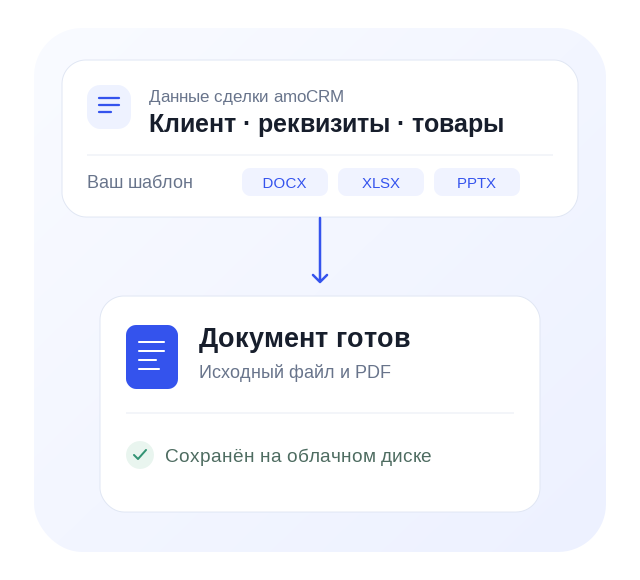
Agreements, invoices, commercial proposals and other documents using your DOCX, XLSX and PPTX templates. Additionally, you can generate PDF
What do you need to connect?
Install the widget, connect Google Drive or Yandex Drive and prepare templates with variables. The initial setup is performed by the amoCRM administrator
What data is inserted into the template?
deal, contact, company, customer, user, product and catalog data. Variables can take a value from an amoCRM field or use predefined text
Can I add products, images and QR codes?
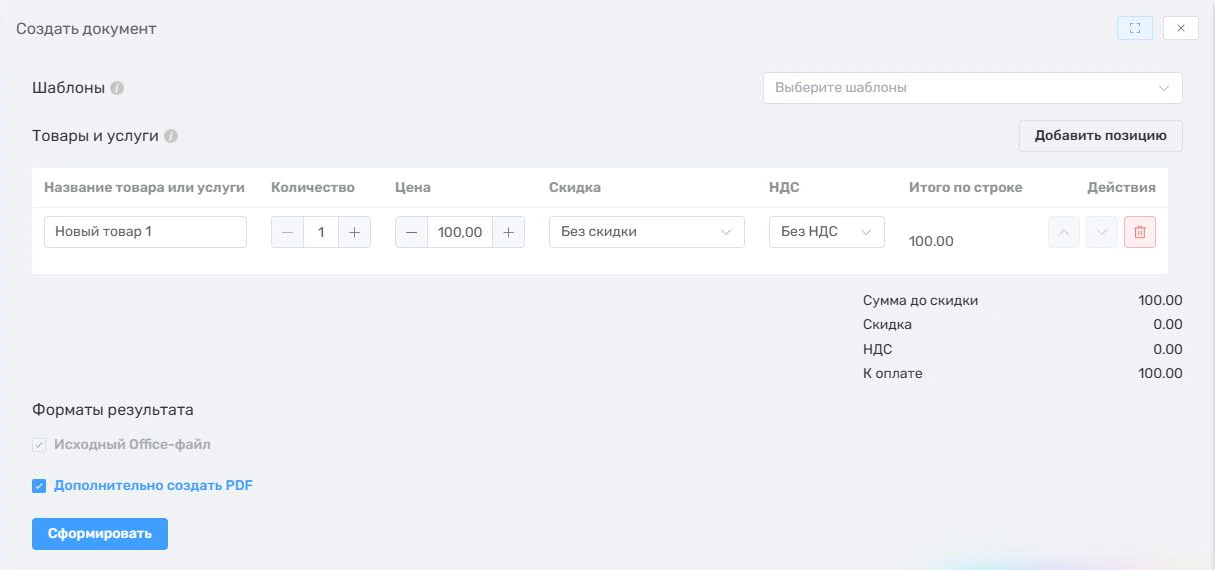
Yes, duplicate product tables, images and QR codes are supported. You can customize quantity, price, discount, VAT and totals, as well as formatting of text, numbers and dates
Can documents be created automatically?
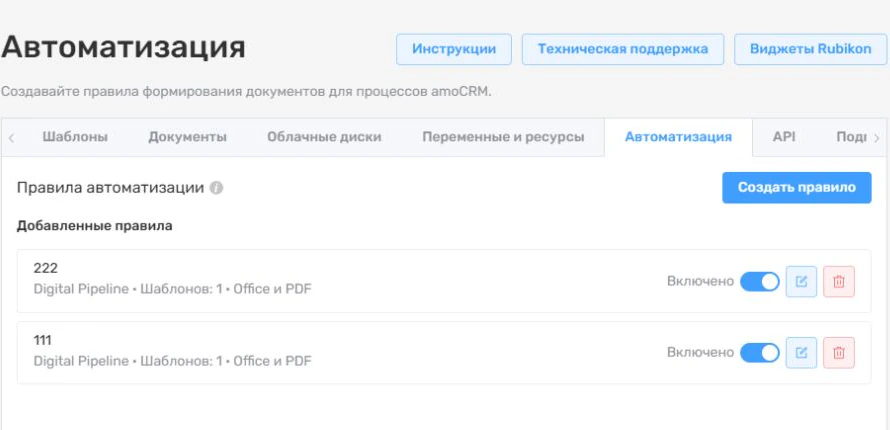
Yes, via a Digital Pipeline trigger at the selected stage. The rule specifies patterns, formats, and actions upon success or error. The launch conditions and timing must be adjusted to avoid re-creation
Can I check the document before publication?
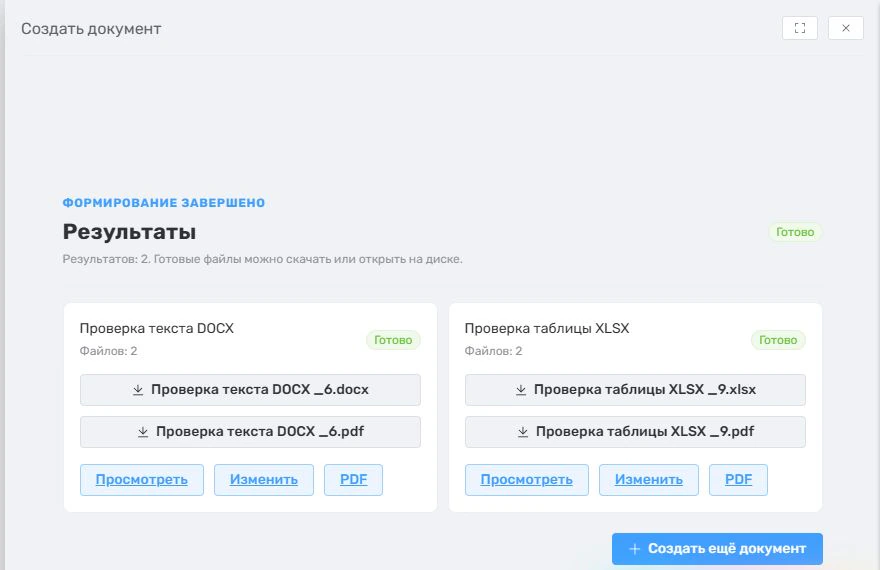
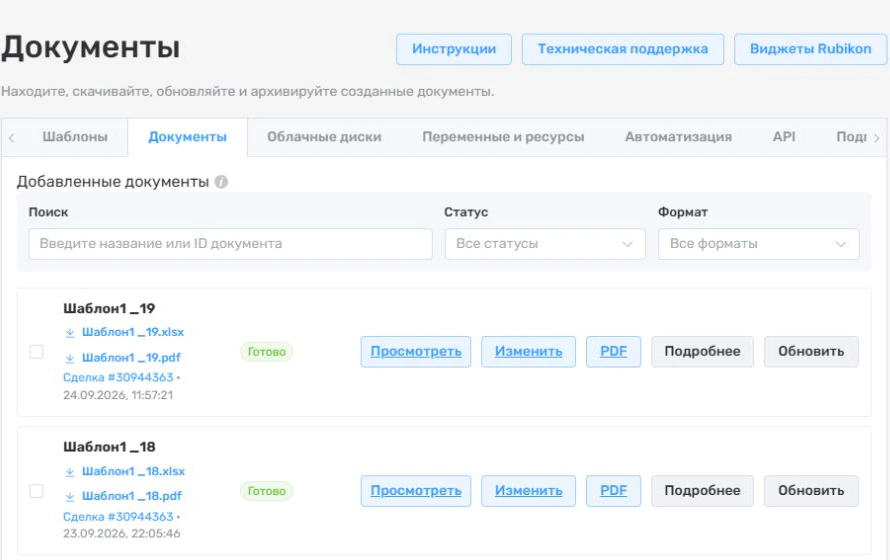
Yes, when created manually, the result is first available for verification. It can be viewed, downloaded, edited or deleted, and then published
Where are the files saved?
On a connected Google Drive or Yandex Drive. Documents are available from the deal card and the general register. You can configure separate folders and fields with links for different types of documents
What to do if the data in the deal has changed?
Create a new edition based on the current deal data. The previous history is saved, and the new edition becomes current only after successful generation and loading
Can I edit templates inside the widget?
DOCX can be edited in the built-in editor with insertion of variables. For XLSX and PPTX, editing text fragments is available, but not a full-fledged table or presentation editor
Is there an API for integrations?
Yes, for server-side generation and receipt of documents. An API key is not needed for manual deal work and the Digital Pipeline trigger. For external connections, the key is created separately with the necessary rights