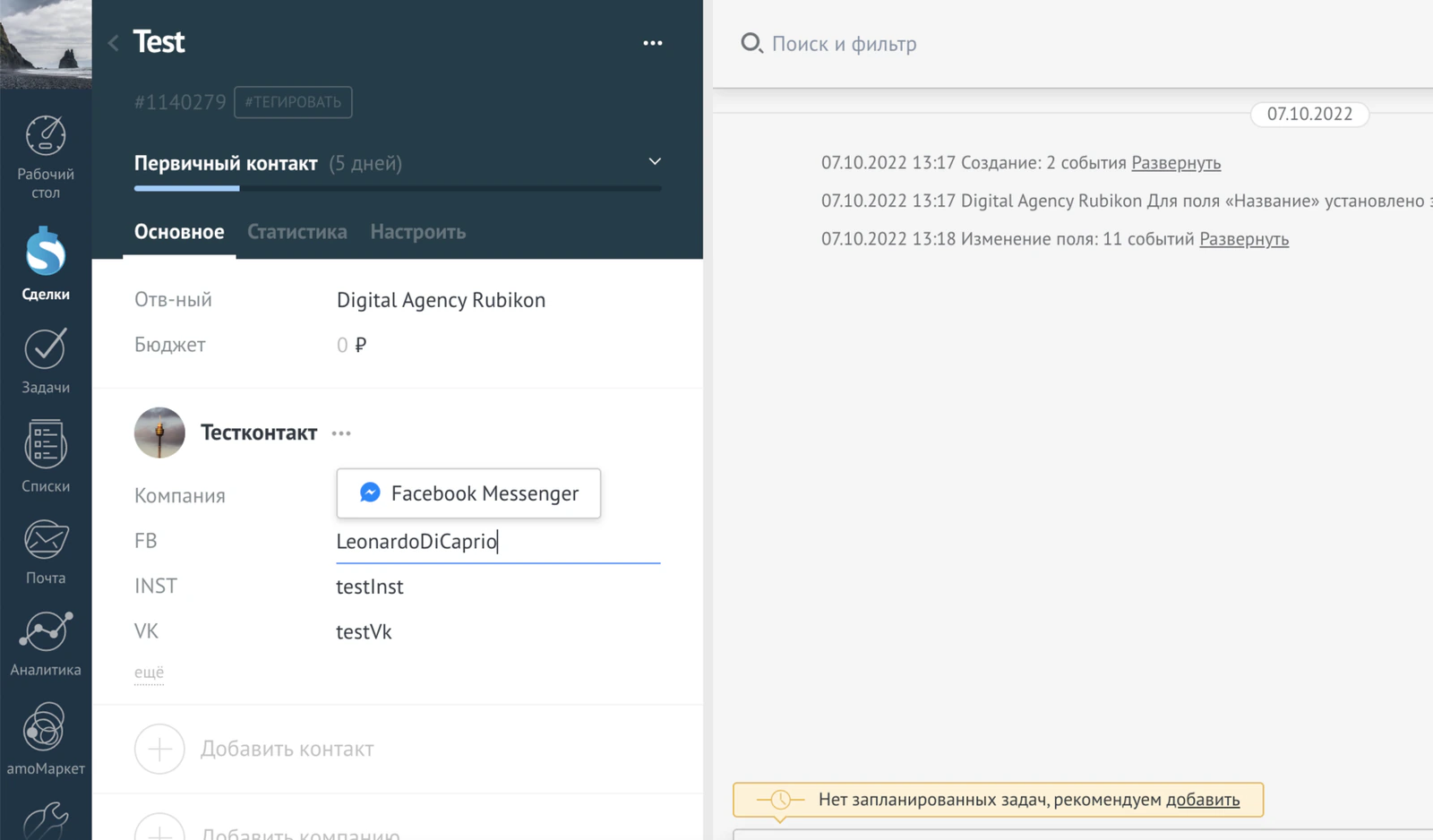
Open Facebook and VK directly from amoCRM
Open a chat with a client in 1 click on a number or username - without saving contacts and unnecessary actions
Wasting time finding customers in messengers?
To write to a client, managers copy the number, save the contact and only then go to the chat. These are unnecessary steps that slow down your work.
You need to save contacts manually
Every new client means extra steps before starting communication

Many extra steps before dialogue
Copy number → paste → find → write

Wasting time on simple actions
Managers spend time not on sales, but on routine

How the widget works

In the deal card, click on the client’s phone number or nickname
A chat with the client will open on Facebook*, Instagram* or VK
Click “Copy” - the deal will be created automatically with all the necessary data
Frequently asked questions
Everything about the widget: when to use it, how to configure it, and what are the nuances?
Do I need to save the client number in my contacts?
No, you go to the chat directly without saving the number
Where does the chat open?
The chat opens in Facebook*, Instagram*, or VK in the browser
Can I choose a messenger?
Yes, you can use Facebook*, Instagram*, or VK or all options
Does navigating by username work?
Yes, you can go to the chat using the user's nickname
Where is the jump button available?
In a deal, contact or company card in amoCRM
Do I need to configure integrations?
No, just activate the widget and select instant messengers
Does the widget affect correspondence?
No, he only opens the chat - correspondence is carried out in the messenger itself
Instagram and Facebook are services provided by Meta. Availability depends on your location and the provider's terms.